
One AI engineering execution center. On call for your whole team. 一套 AI 工程能力,整个团队随时调用。
Send a request in your team chat. Vinez keeps working until it’s delivered.
Just say what needs doing. Which task, which project — its call, not yours.
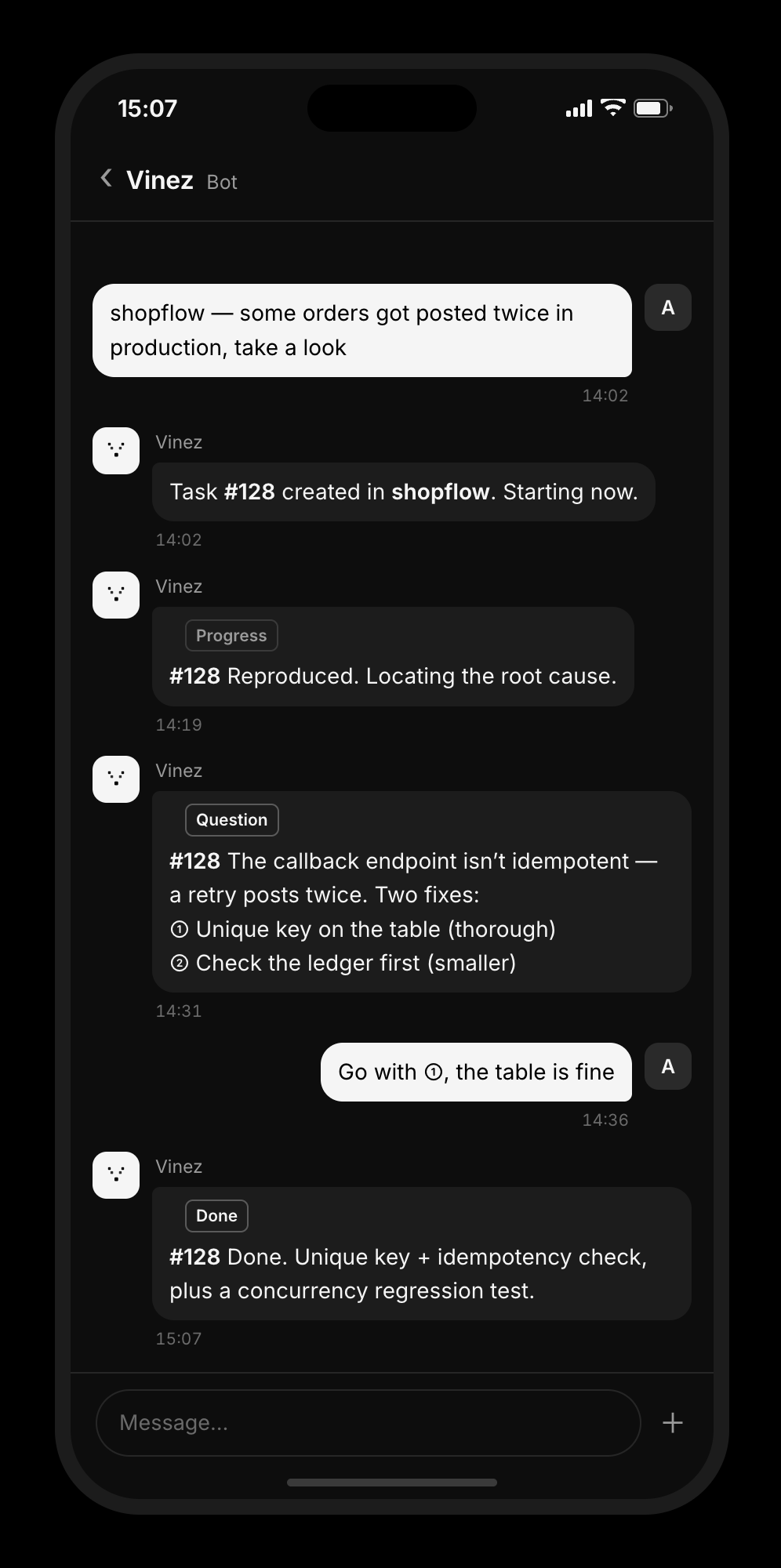
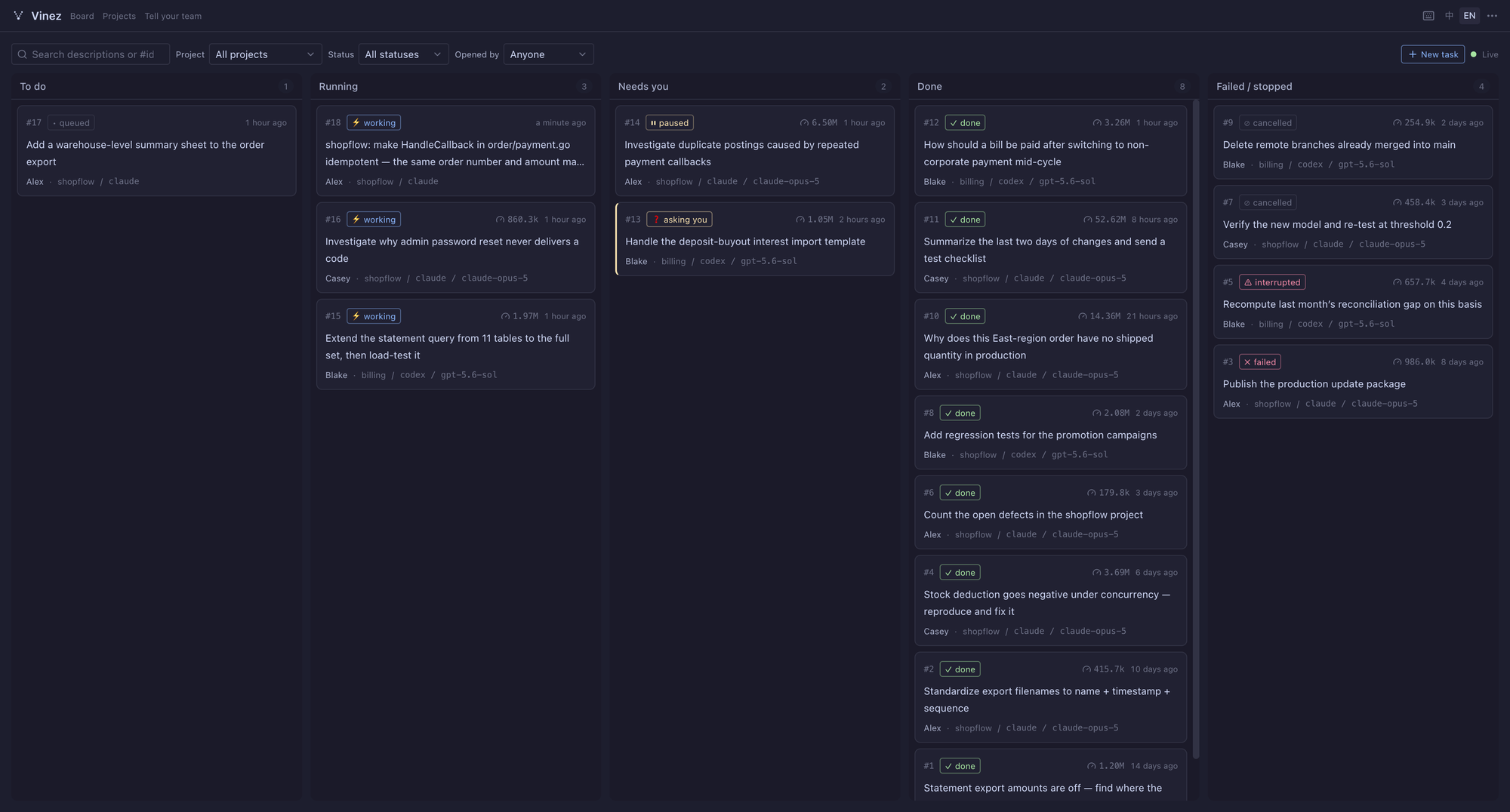
Vinez is the AI engineering execution center for teams. It turns your team’s engineering work into persistent, governed tasks and coordinates AI agents to carry them through to delivery. Every member can assign work, collaborate, and take over from chat, web, or the app — no one has to install, configure, or maintain their own agents.
Let AI install it. On the machine that will run the server, open Claude Code, Codex, or any other AI tool that can run commands there, and send it:
Following https://vinez.ai/install.md, install Vinez on this machine and import the code repositories I work on. When a step needs me to do something in a platform console, stop and tell me what to do.
It handles the install, the health check and importing projects; for the chat channel, it walks you through creating the bot and getting its credentials. Or do it by hand:
1. Install the server. Pick an always-on machine your team can reach (macOS or Linux; Windows via WSL2) and run:
curl -fsSL https://vinez.ai/install.sh | shWhen it finishes, it prints the address of the admin console and how to sign in. Sign in to an agent CLI (Claude Code or Codex) once on this machine; it runs tasks for the whole team.
2. Connect a chat channel. WeCom, Feishu and Slack are supported — see Connect a chat channel. No public IP or domain needed. From then on, teammates just message the bot; they install nothing.
3. Optional: install a client. To watch the live terminal, review file changes, or take over a task yourself, use the web console or the desktop / mobile app from the download page (iOS: App Store).
Full walkthrough: Getting started guide.
Links:
- Website: https://vinez.ai
- Download & docs: https://vinez.ai/download
- Releases: this repository’s Releases
- Feedback: this repository’s Issues
This repository only distributes release artifacts (per-platform binaries and client installers); the source code is not yet public. Use is subject to the Terms of Use.
在你们的办公 IM 里发一句需求,Vinez 持续执行到交付。
说一句要做的事就行 —— 建哪个任务、归哪个项目,都是它自己判的
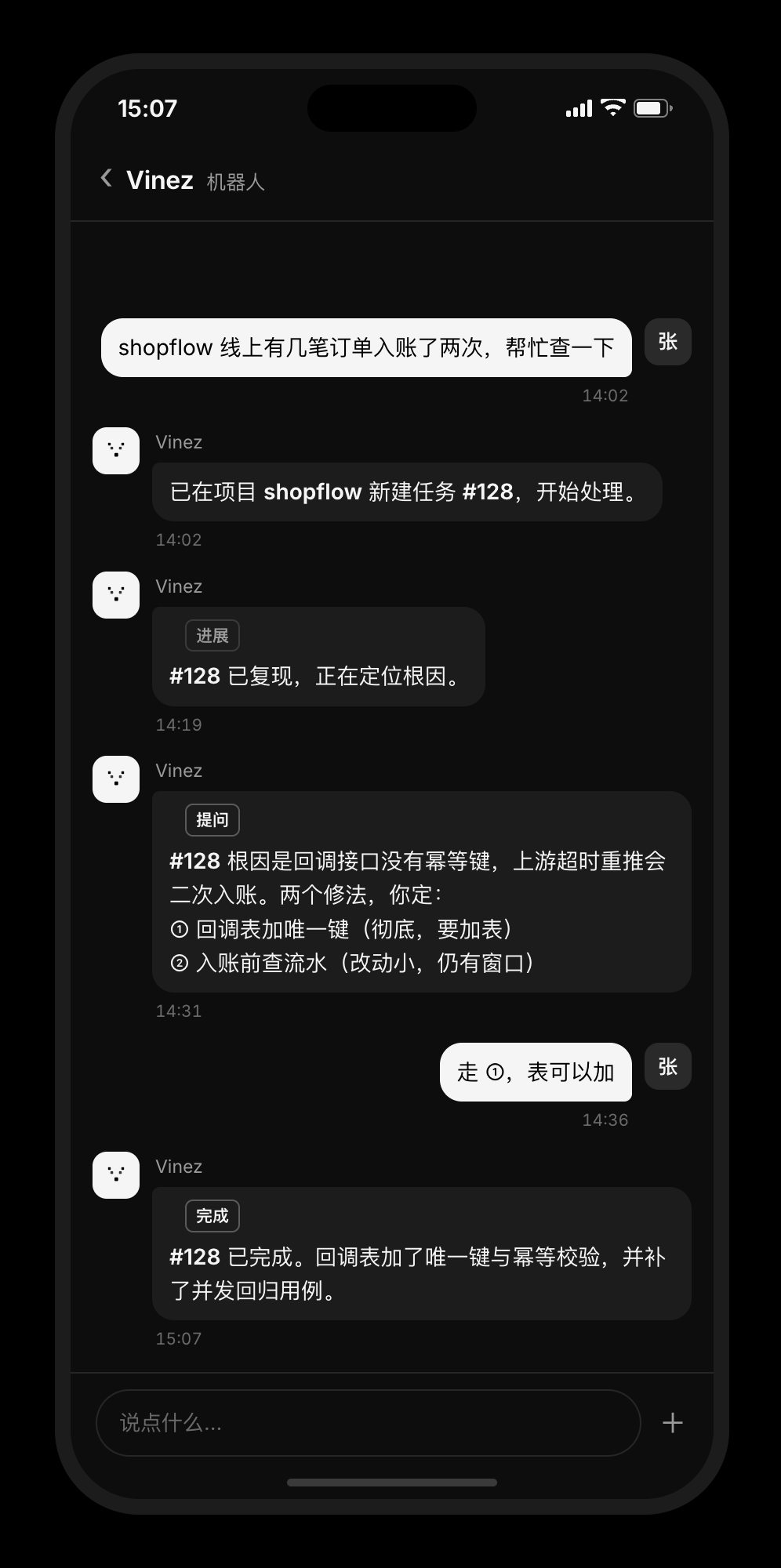
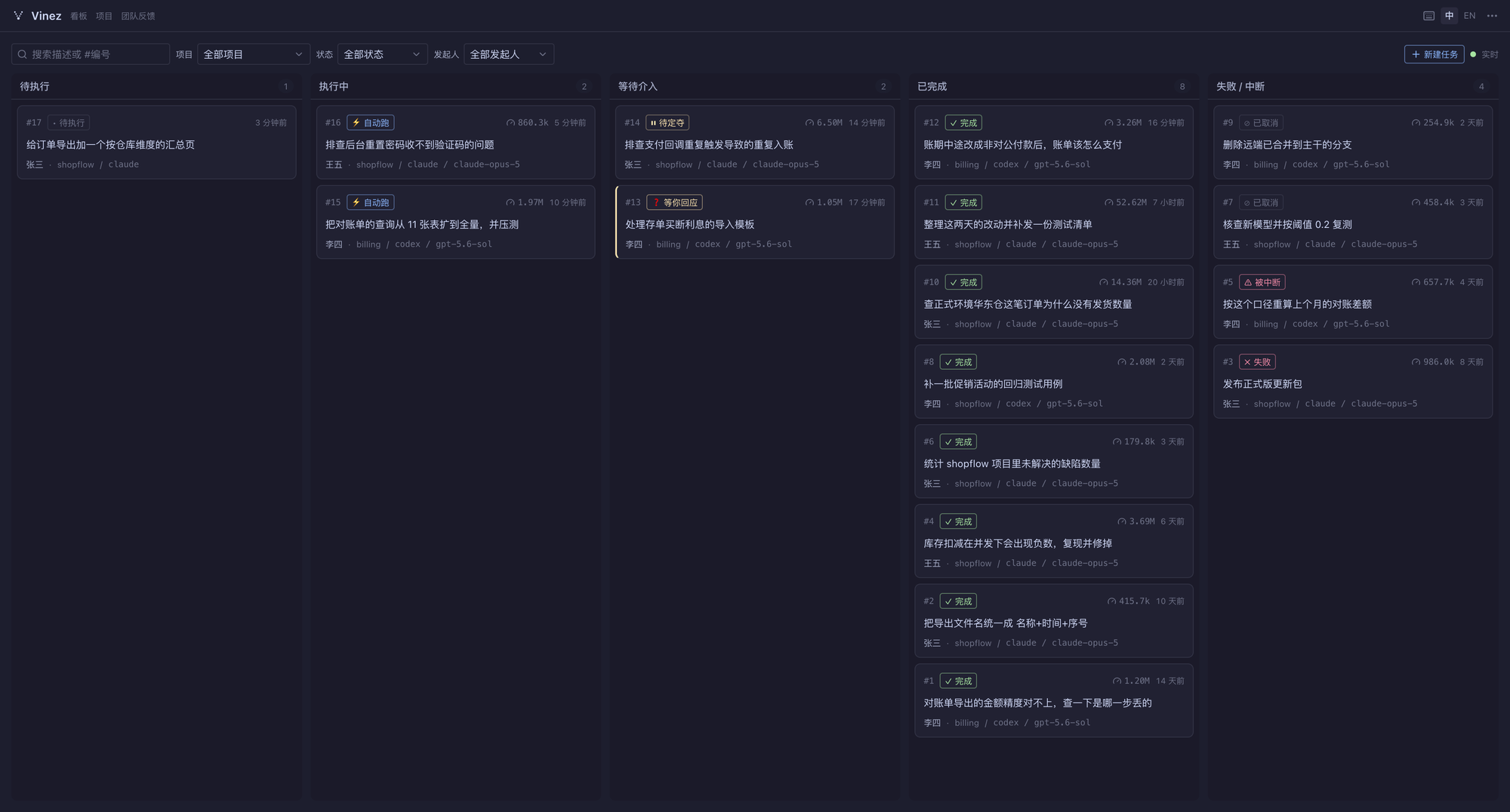
Vinez 是面向团队的 AI 工程执行中枢:装在一台常开机器上的服务端(vinezd),把整个团队的工程需求变成持续、可治理的任务,再编排 AI agent 执行到交付。成员从聊天、Web 或 App 都能发起、协作、随时接管——不必各自安装、各自配置,也不必各自维护一套 agent。
让 AI 帮你装。 在要做服务端的那台机器上打开 Claude Code、Codex 或其他能执行命令的 AI 工具,把这段话发给它:
参考 https://vinez.ai/install.md ,帮我在这台机器上安装 Vinez,并导入我常用的代码仓库。需要我去平台后台操作的步骤,停下来告诉我怎么做。
它会完成安装、体检和导入项目;接聊天通道时,会带你走一遍建机器人、拿凭据的步骤。也可以手动安装:
1. 安装服务端。 挑一台团队都能访问的常开机器(macOS 或 Linux;Windows 经 WSL2),运行:
curl -fsSL https://vinez.ai/install.sh | sh安装结束时会打印管理页面的地址与登录方式。再在这台机器上装好并登录一次 agent CLI(Claude Code 或 Codex),全团队的任务都由它执行。
2. 接入聊天通道。 支持企业微信、飞书、Slack,步骤见接入聊天通道,不需要公网 IP、不需要域名。之后同事在聊天里给机器人发消息即可,什么都不用装。
3. 可选:安装客户端。 想看实时终端、逐行查改动,或者亲自接管任务时,用 Web 控制台,或从下载页安装桌面与移动客户端(iOS:App Store)。
完整说明见官网使用指南。
链接:
- 官网:https://vinez.ai
- 下载与文档:https://vinez.ai/download
- 版本发布:本仓库 Releases
- 问题反馈:本仓库 Issues
本仓库仅用于分发发布成果物(各平台二进制、客户端安装包),源代码暂未开放。使用即表示同意使用条款。