My $ZDOTDIR dotfiles directory, which contains my zsh configuration.
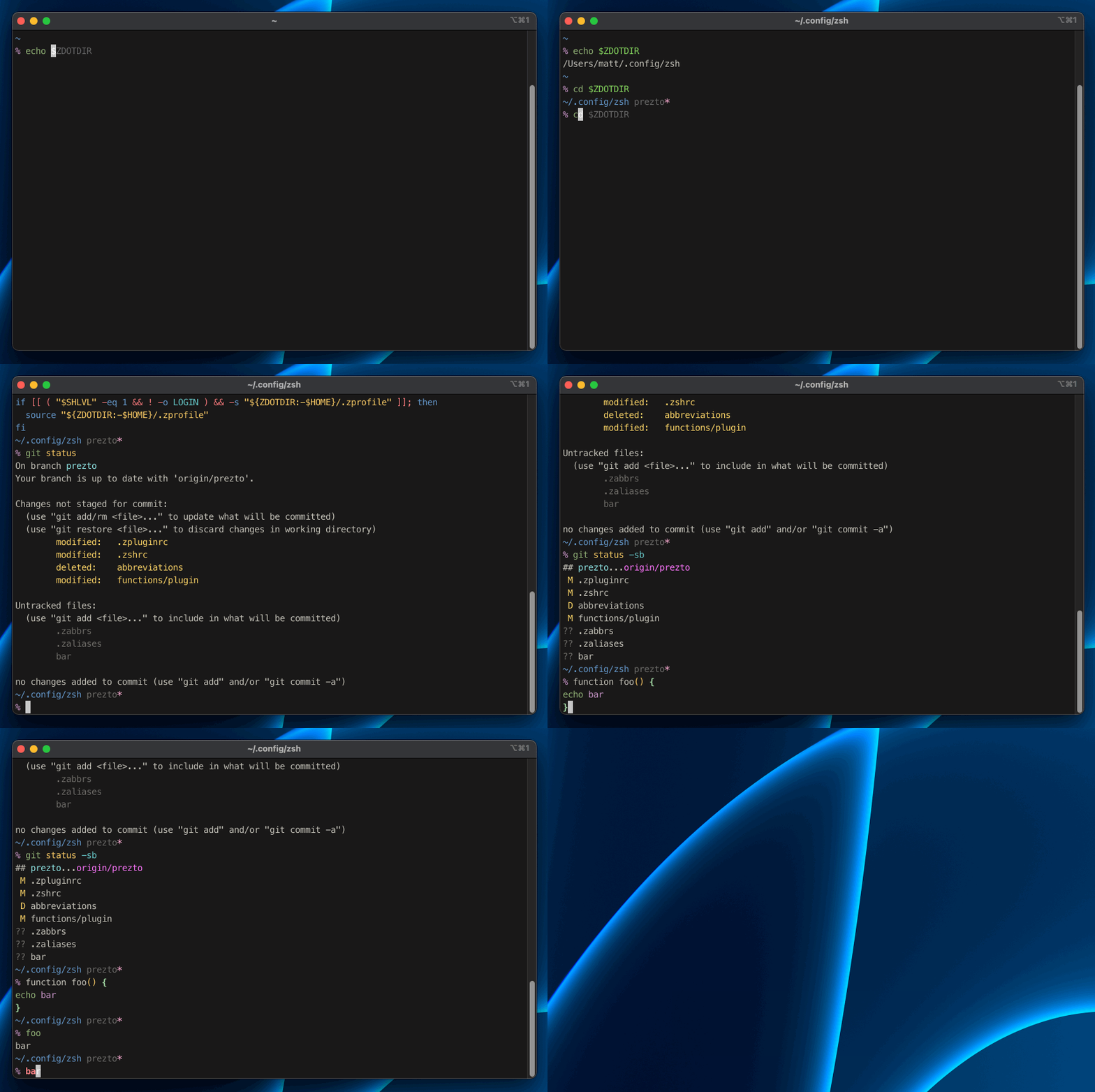
I like my Zsh to behave like Fish, so there's a lot of features that will be very familiar to other Fish users. I also like the basic plugin structure of Oh-My-Zsh, even if I'm not as big of a fan of OMZ itself. My Zsh has things like:
- A functions directory for my custom functions
- A completions directory for my custom completions
- A conf.d directory so that .zshrc isn't a cluttered mess
- My custom plugins in a separate
$ZSH_CUSTOMproject similar to how OMZ works
Since this is my personal $ZDOTDIR, this installation procedure is mostly for my personal use.
It's a good idea to backup existing files first:
setopt extended_glob
zfiles=(
  ${ZDOTDIR:-~}/.zsh*(.N)
  ${ZDOTDIR:-~}/.zlog*(.N)
  ${ZDOTDIR:-~}/.zprofile(.N)
)
mkdir -p ~/.bak
for zfile in $zfiles; do
  cp $zfile ~/.bak
done
unset zfile zfiles
Install this dotfiles repo to your $ZDOTDIR:
# set the amazing ZDOTDIR variable
export ZDOTDIR=~/.config/zsh

# clone this repo
git clone --recursive git@github.com:mattmc3/zdotdir.git $ZDOTDIR

# change the root .zshenv file to use ZDOTDIR
cat << 'EOF' >| ~/.zshenv
export ZDOTDIR=~/.config/zsh
[[ -f $ZDOTDIR/.zshenv ]] && . $ZDOTDIR/.zshenv
EOF

# load zsh
zshA snappy shell is very important. I regularly run zsh-bench to make sure my shell feels snappy.
The latest benchmark run shows that we load a new shell pretty fast.
% # MacBook Pro (M5, 2026): starship prompt
% zsh-bench
==> benchmarking login shell of user matt ...
creates_tty=0
has_compsys=1
has_syntax_highlighting=0
has_autosuggestions=1
has_git_prompt=1
first_prompt_lag_ms=22.875
first_command_lag_ms=135.147
command_lag_ms=107.168
input_lag_ms=3.223
exit_time_ms=44.896

% # MacBook Pro (M5, 2026): p10k prompt
% zsh-bench
==> benchmarking login shell of user matt ...
creates_tty=0
has_compsys=1
has_syntax_highlighting=0
has_autosuggestions=1
has_git_prompt=1
first_prompt_lag_ms=15.221
first_command_lag_ms=199.816
command_lag_ms=54.072
input_lag_ms=3.795
exit_time_ms=52.173
If you prefer a naive, completely meaningless Zsh 'exit' benchmark, I include that too for legacy reasons.
% # MacBook Pro (M5, 2026)
% for i in {1..10}; do; /usr/bin/time zsh -lic exit; done
        0.07 real         0.03 user         0.02 sys
        0.05 real         0.02 user         0.02 sys
        0.05 real         0.02 user         0.02 sys
        0.05 real         0.02 user         0.02 sys
        0.05 real         0.02 user         0.02 sys
        0.05 real         0.02 user         0.02 sys
        0.05 real         0.02 user         0.02 sys
        0.05 real         0.02 user         0.02 sys
        0.05 real         0.02 user         0.02 sys
0.05 real 0.02 user 0.02 sysInstall nerd fonts via homebrew:
brew tap homebrew/cask-fonts
brew install --cask font-meslo-lg-nerd-font
brew install --cask font-fira-code-nerd-font
brew install --cask font-hack-nerd-font
brew install --cask font-inconsolata-nerd-font
brew install --cask font-sauce-code-pro-nerd-fontiTerm2 has some awesome color schemes. You can use them for more than just iTerm2.
I use Space Gray:
