

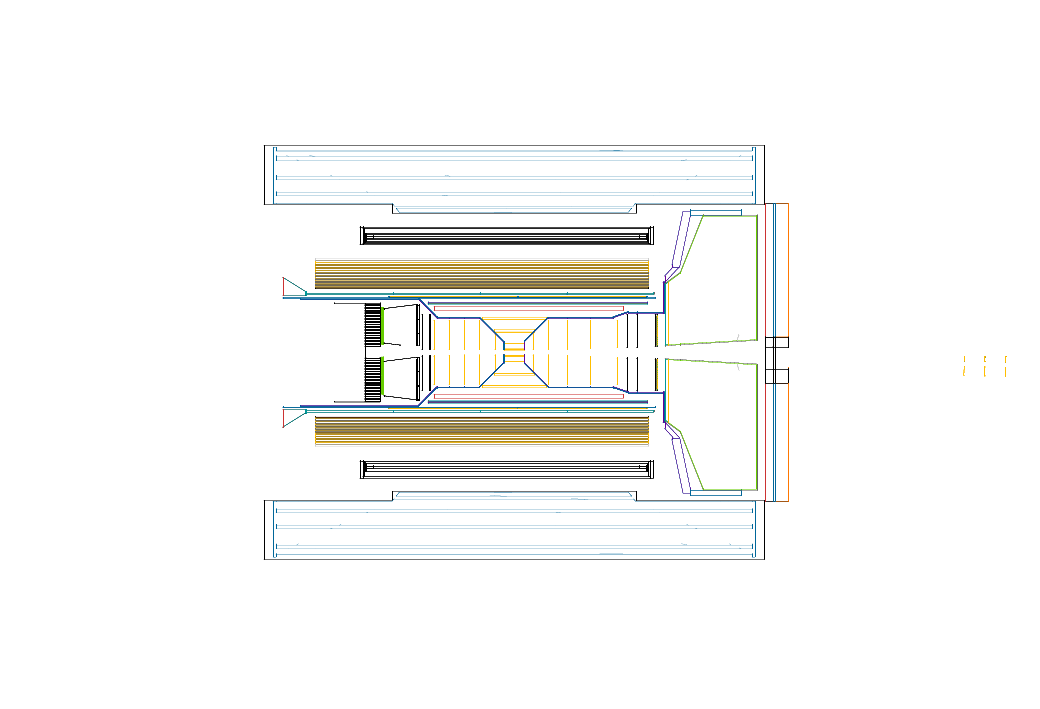
Detector geometry:
- Empty viewer
- Craterlake: viewer tgeo step
- Subsystems:
Detector parameters:
This assumes you have DD4hep installed in your environment. Please use the eic-shell container (see the EIC environment tutorial). If you are just looking to do simulation and reconstruction with unmodified ePIC geometry, you don't need to compile it yourself. The instructions below are for when you are looking to do development:
Get a copy of the latest version from this repository:
git clone https://github.com/eic/epic.gitTo configure, build, and install the geometry (to the install directory), use the following commands:
cmake -B build -S . -DCMAKE_INSTALL_PREFIX=install
cmake --build build
cmake --install build
To load the geometry, you can use the scripts in the install directory:
source install/bin/thisepic.sh