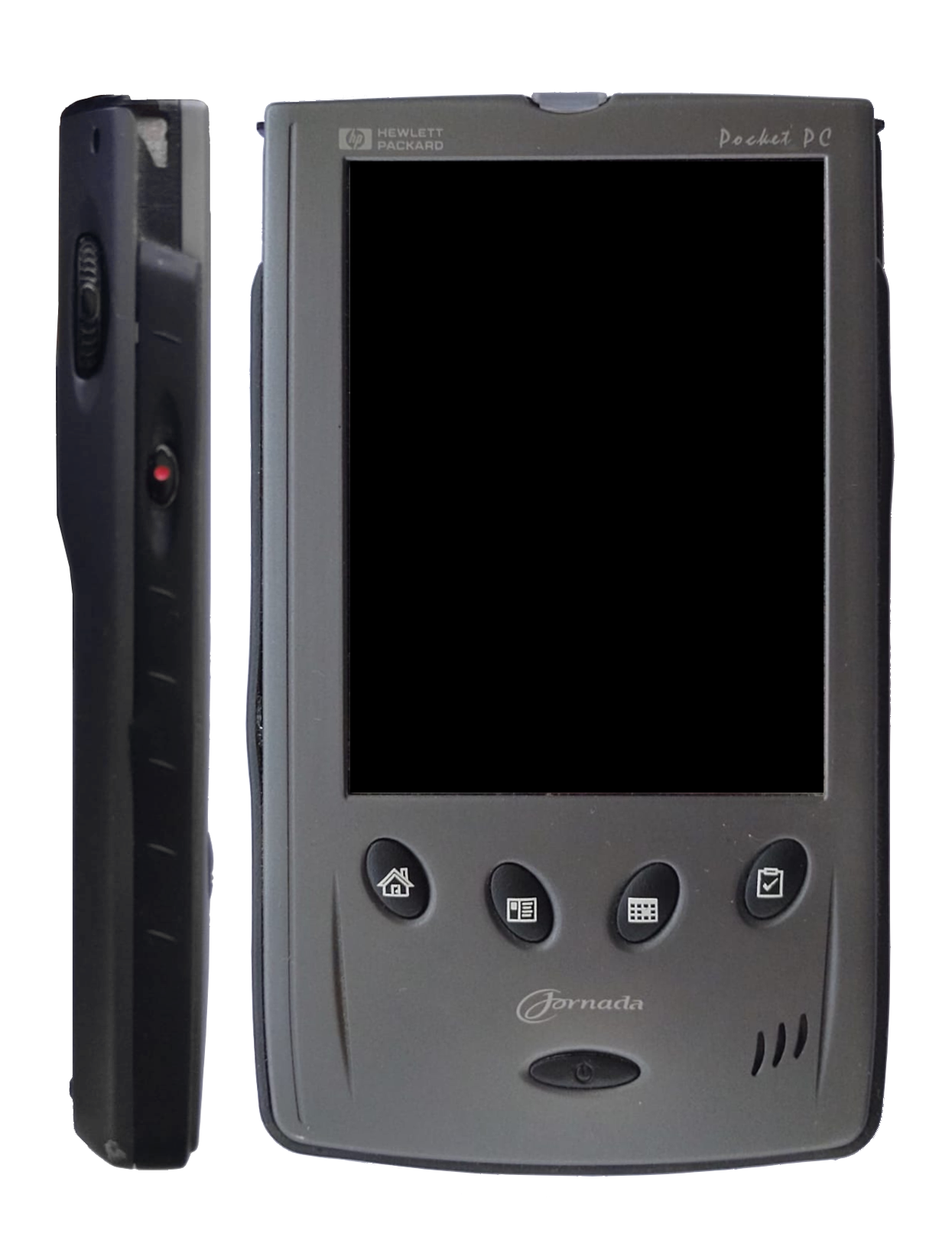
The HP Jornada 545 is a forgotten handheld from around 2000 that only I seem to have liked. As far as I know, this is the first emulator available for any sh3-powered PocketPC device. It's functional enough, but it has audio issues and it's a bit slow. A web build (including firmware, overlays and some software in a memory card) is available here. The native build is faster and has some extra features.
The charger for my physical Jornada stopped working a few months ago, so I can't confirm how many of these are bugs and how many are accurate emulation.
- Audio is pretty broken. It often sounds bad (the Windows Media Player sample song in particular), but it also makes the emulation slow and jumpy. For action games, it's better to just mute the device from the bottom panel.
- Solitaire Pack Deluxe and Handmark Oxford Dictionary trigger unaligned write exceptions.
- PocketRubik flashes the screen constantly.
- The EEPROM panics very rarely during boot ("Unknown EEPROM command frame 0xe1").
- System halts with "Exception 060" during installation of the first of the "Palm-size PC PowerToys".
- Pocket Organizer feels a little broken in general.
- Strip Poker halts the system with "Exception 1fe0" and "Exception 060".
- POOF and Powertap panic with "Invalid I2C sequence".
- The trajectory of the ball in the ZIO Golf demo seems to be heavily biased to the right.
- Fade refuses to run due to low ram, and Snails struggles a lot. I can fix this easily if I just pretend to have double the ram, which I believe would turn this into a Jornada 547 emulator.
- Serial, infrared, and audio recording are not implemented and probably never will, but I do want to make sure we don't panic or freeze when the user attempts any of those.
- Pushing the on/off button doesn't work and may panic.
- The selftests don't pass yet. They don't seem to cover the same uses of the hardware as the OS, so after a certain point it feels like a waste of time to focus on them.
The emulator is intended to be portable to every (little-endian) platform supported by SDL, but I have only built it from Linux so far, and only for Linux and WebAssembly. If you try it elsewhere please consider reporting your findings.
The native build has two soft dependencies that you probably want: SDL3 to get any actual input/output other than the debugger, and libpng to add an overlay with the buttons on it. You also need the build tools of course. On Debian/Ubuntu, you can get everything if you run (as root):
apt install build-essential git libsdl3-dev libpng-dev
If you are reading this from your browser, then get the source code:
git clone https://github.com/eafer/lapocket
Now run the actual build:
cd lapocket
make
If you have a firmware file, now you can start the emulator with
./lapocket <path_to_firmware>
If you don't, you can get my firmware dump here. If you also have an overlay picture to apply:
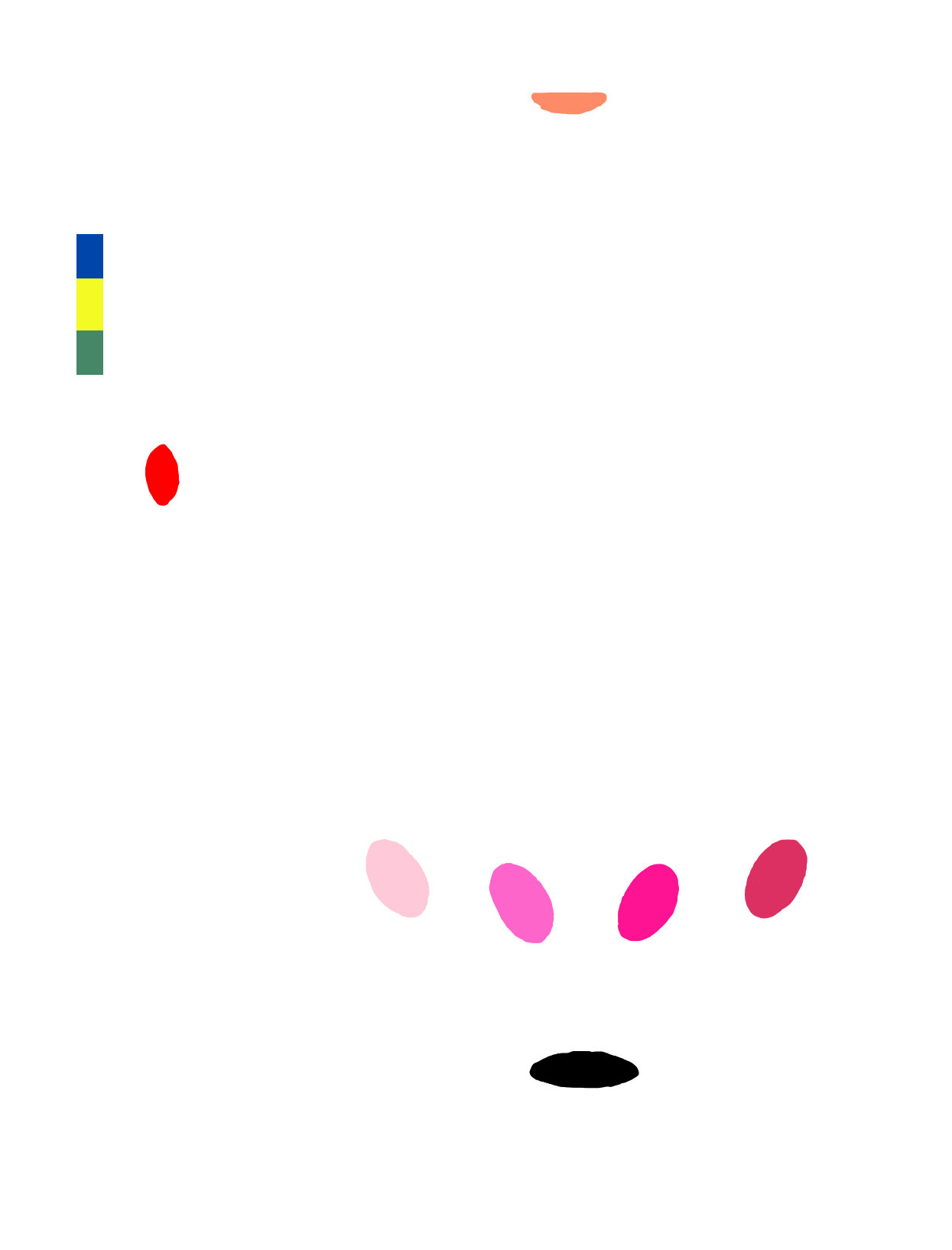
./lapocket --overlay overlay.png --hitmap hitmap.png <path_to_firmware>
Again, I've made an overlay and the corresponding hitmap available at my webpage. Finally, if you want to share files with the host, you will need to insert a fake CompactFlash card, which the Jornada will format to FAT:
touch flash.img
truncate -s <card_size> flash.img
./lapocket -C flash.img <path_to_firmware>
The card image file can later be mounted on the host as well. Note that to get software running you will need either the .exe or the .cab for your particular architecture (sh3 in this case). A lot of PocketPC software was instead distributed as installers for desktop Windows, which had to be run and later pushed to the handheld via ActiveSync. That won't work for us, but if you do run an installer in a Windows PC (or in a vm), the actual .cab files will be left somewhere in "Program Files" or in the ActiveSync directory. You can copy those to your CompactFlash card and they should work. Always mind the architecture though, and it's also better to get the ones labeled PPC (PocketPC) when you get multiple options.
Once the emulator is running, you can freeze execution at any point and enter the debugger if you push CTRL+C in the controlling terminal. I will document the debugger commands some other time, if there's interest.
To build for the web (always from Linux) you will need Emscripten. For installation instructions, I defer to their own documentation. Also get the build tools and the source code, just like for the native build. On Debian/Ubuntu:
apt install build-essential git
git clone https://github.com/eafer/lapocket
The web build is more involved because it needs to embed all the binary assets that will be used. First create the directory where the build will retrieve them:
cd lapocket
mkdir assets
In there put the firmware dump (under the name "firmware.bin"), the overlay picture (called "overlay.png"), the map of hotspots for the overlay (called "hitmap.png") and a file with any contents ("flash.img") to be used as a CompactFlash card. The format of the overlay and hitmap may be a bit tricky right now; if you are interested in making your own then you can get the details from the source code, otherwise you should just use the ones I linked to above.
Now it's time to run the actual build:
make EMCC=<path_to_emscripten>
Note that this will download and install software to your computer. I'm not doing that myself, it's just the way Emscripten works. The resulting website is the following three files: index.html, index.js and index.wasm.
If you spot any bugs please report them via Github or via email. Either path is also ok if you want to send me patches. Please, don't send me LLM code. LLM bug reports are fine of course, as long as you vouch for them.
The emulator was written by Ernesto A. Fernández.
As far as I can recall, the following manuals were the main sources for my work:
- Hitachi SuperH TM RISC engine SH7709A Hardware Manual (Rev. 4.0 9/19/00)
- SH-3/SH-3E/SH3-DSP Software Manual (Rev.4.00 2006.05)
- A Basic Guide to I2C (Texas Instruments), By Joseph Wu
- CompactFlash Memory Card Product Manual (SanDisk) (Revision 10.0)
- Philips Semiconductors PDIUSBD12 (Rev 08 20011220)
A key tool in the development was the sh3 disassembler by user bsl from the omnimaga forums. I can't find a link to the version I used but an older one is available here.