
🌐 English · Español · Italiano · Português · Français · Deutsch · Ελληνικά · Български · Українська


An unofficial companion app for Zontes motorcycles, built to replace the manufacturer's own app with something faster and more reliable. It talks to the bike's onboard DVR over Wi-Fi and to its PKE keyless module over Bluetooth Low Energy. It runs on Android and, since 2.1, on iPhone and iPad as a first iOS build in testing (see iOS (testing)).
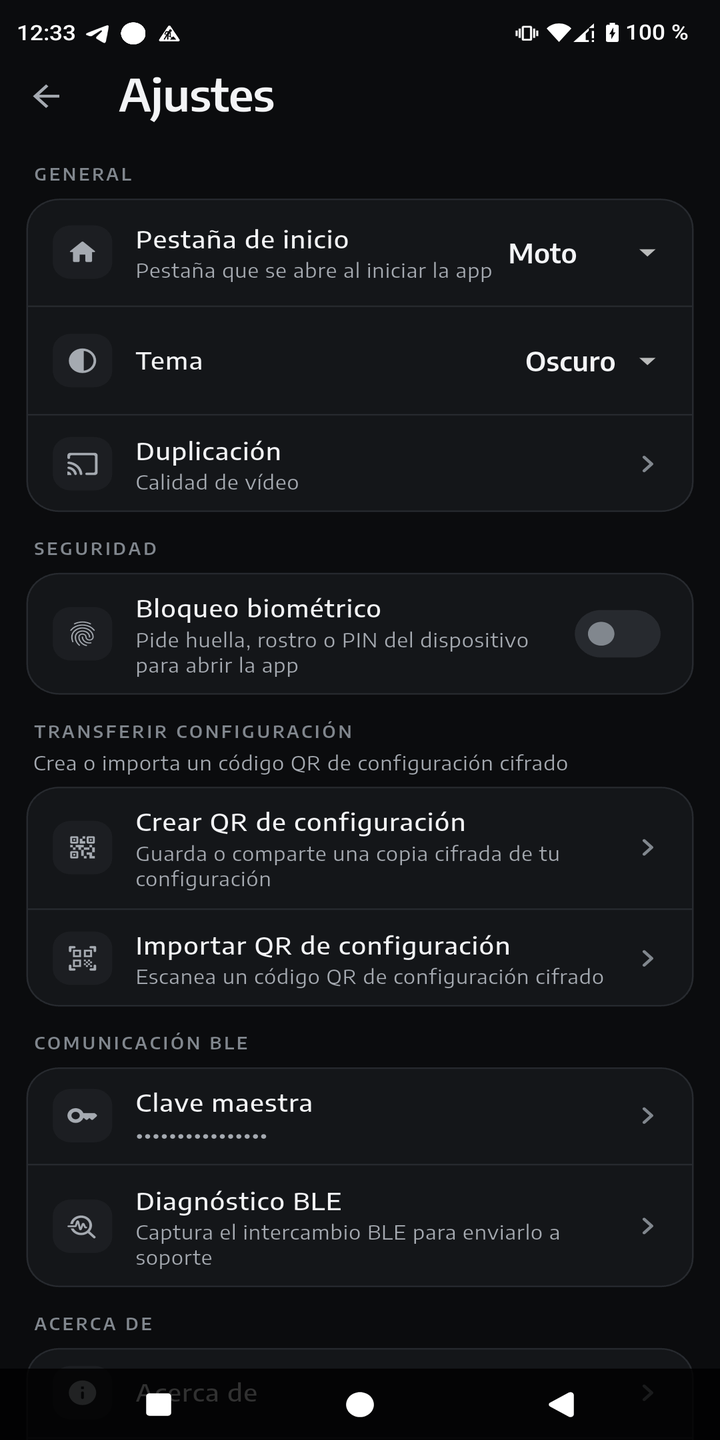
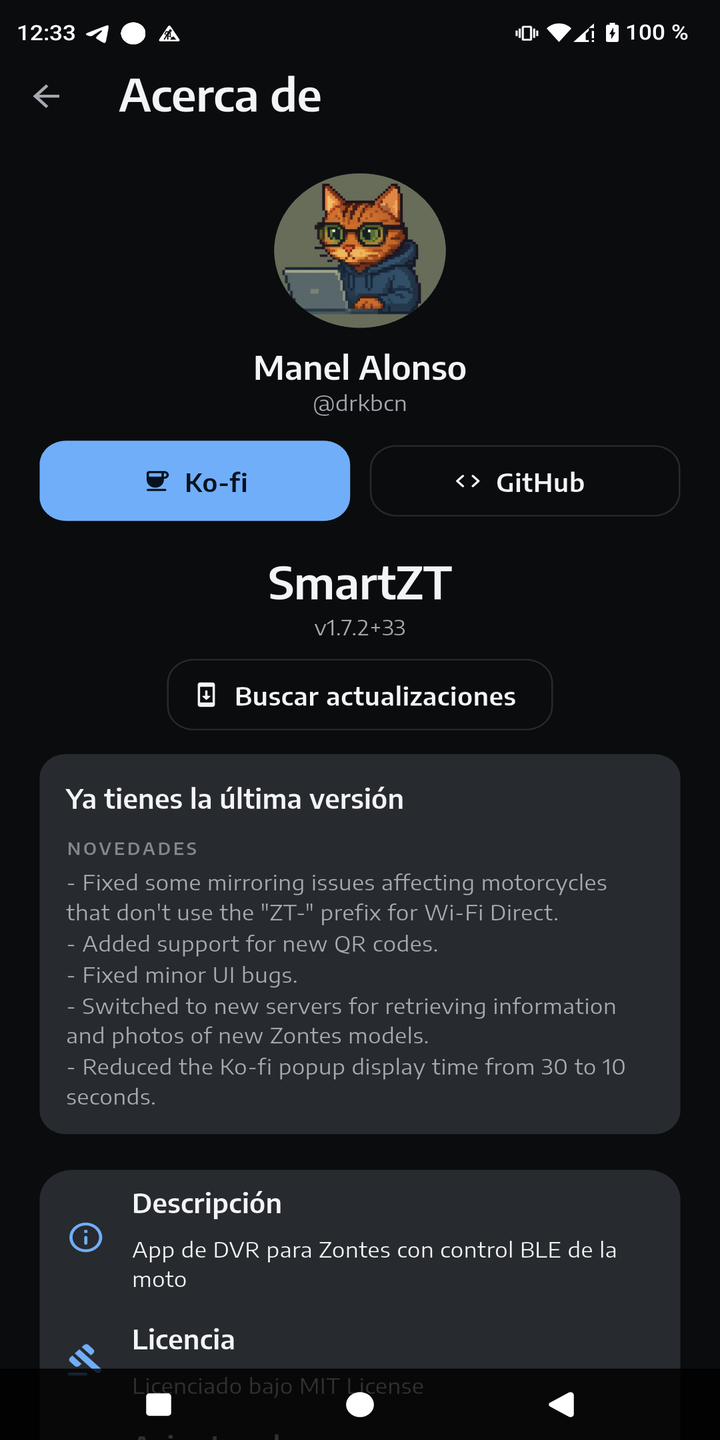
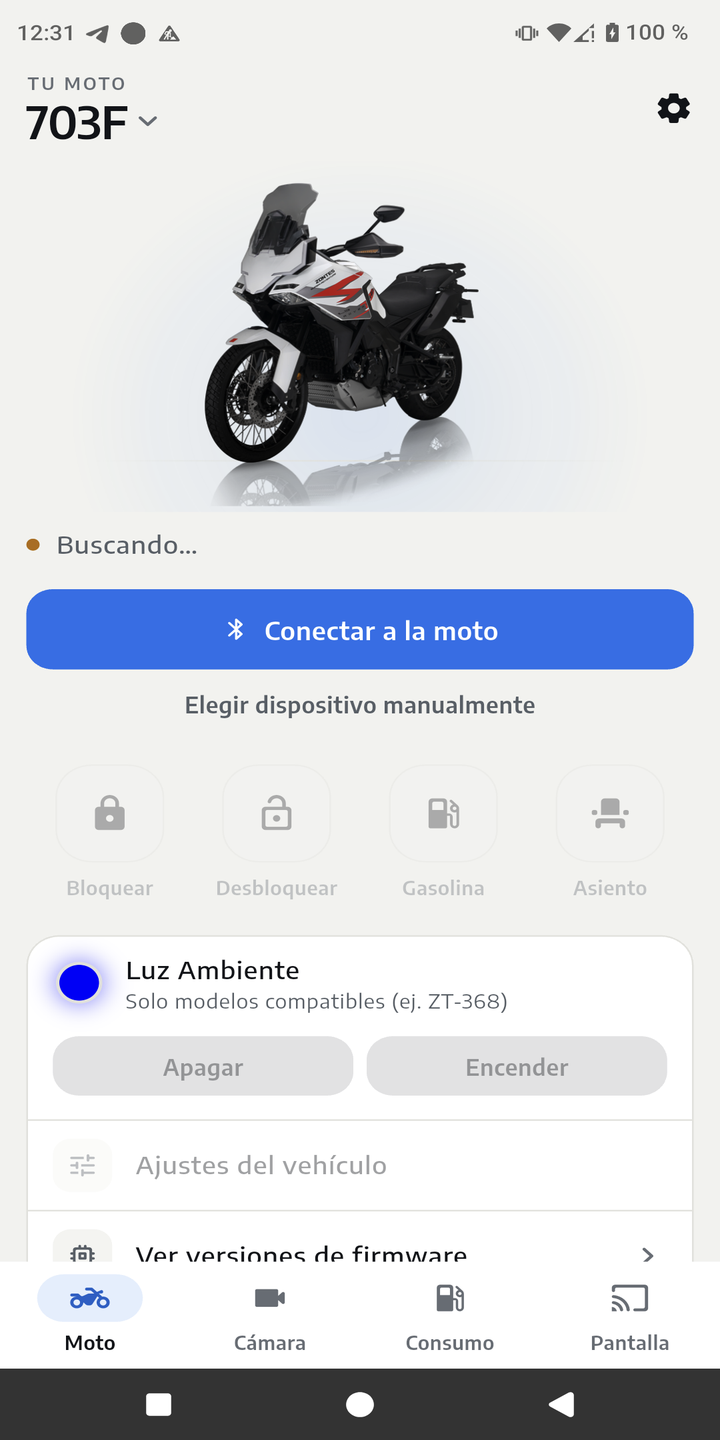
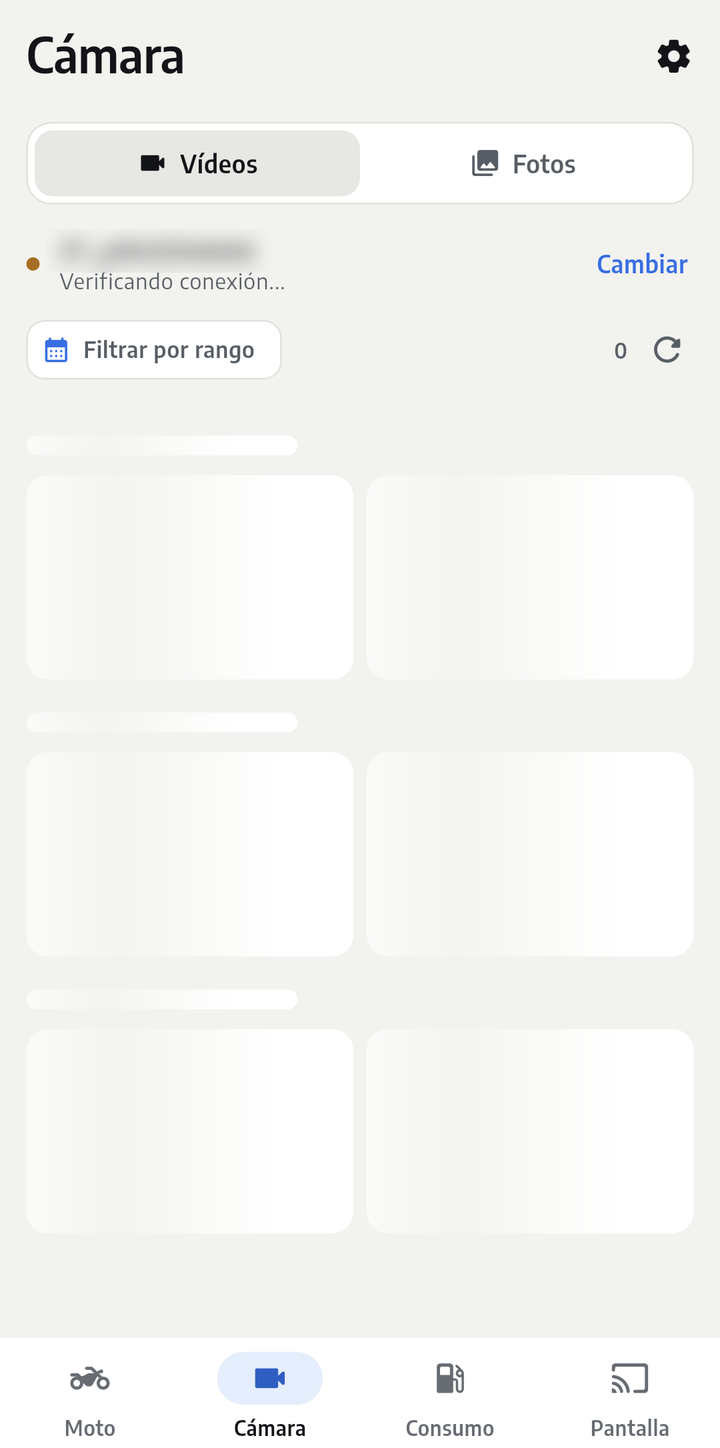
| Moto | Camera | Fuel | Screen | Settings | About |
|---|---|---|---|---|---|
 |
 |
 |
 |
 |
 |
 |
 |
 |
 |
 |
 |
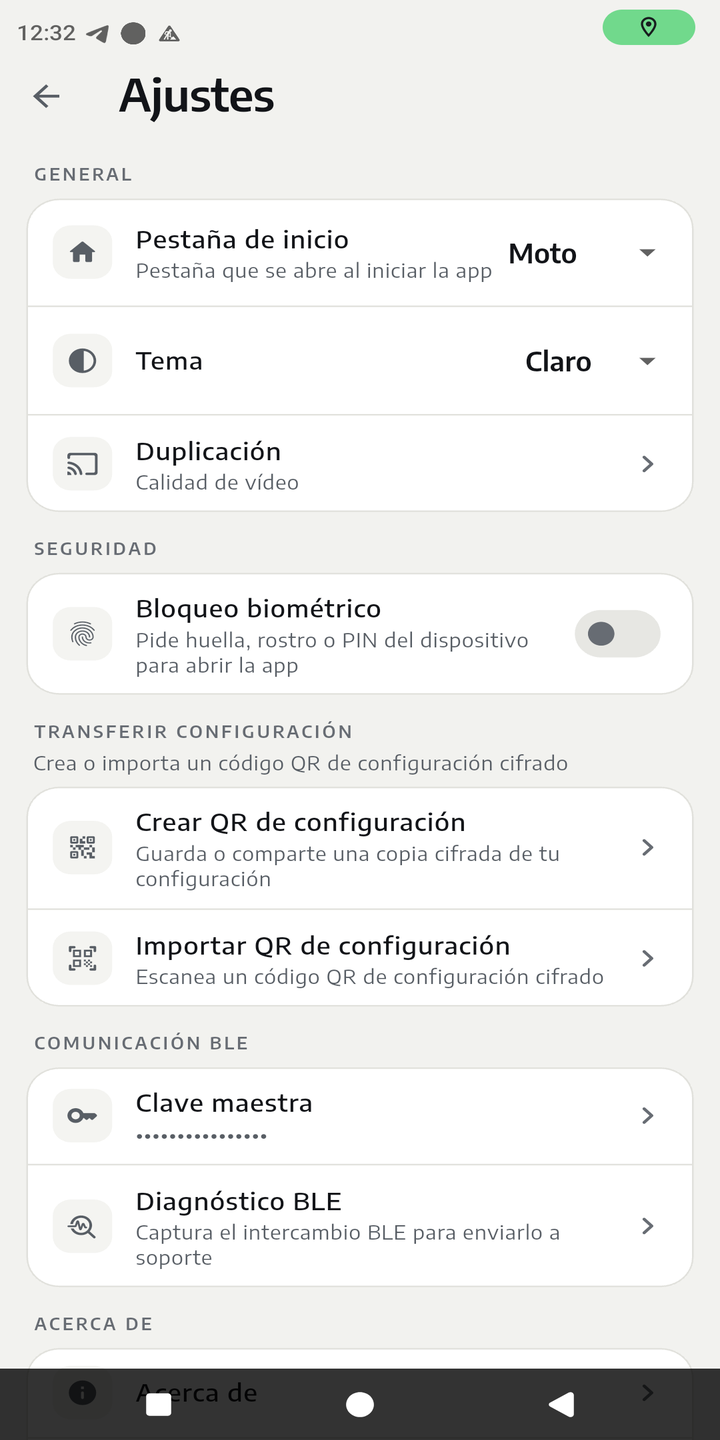
Light, dark or system theme can be chosen in Settings › Theme.
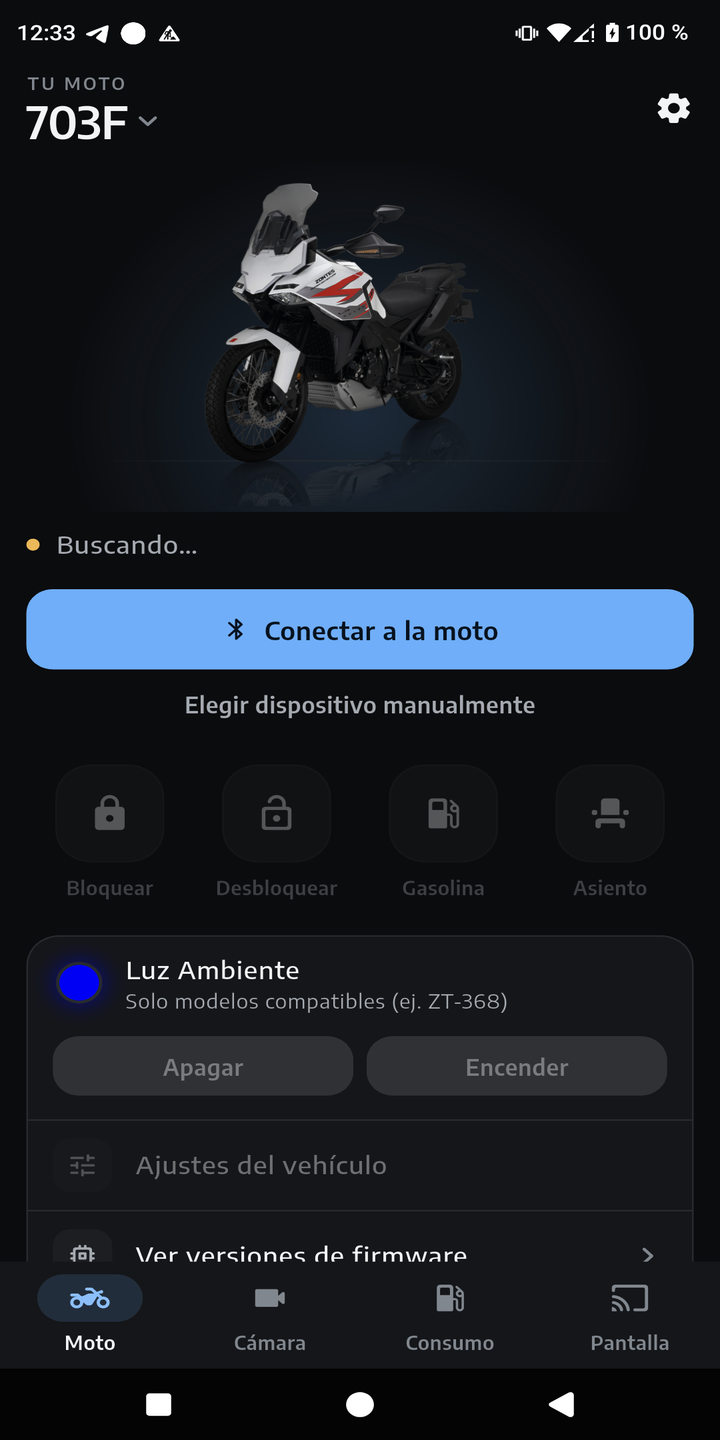
- Moto — your bike and its connection state first, with one Connect button. Lock, unlock, fuel cap and seat controls show progress while a command is being sent, and ambient lighting is controlled through the PKE module, using the same AES challenge-response scheme as the original app.
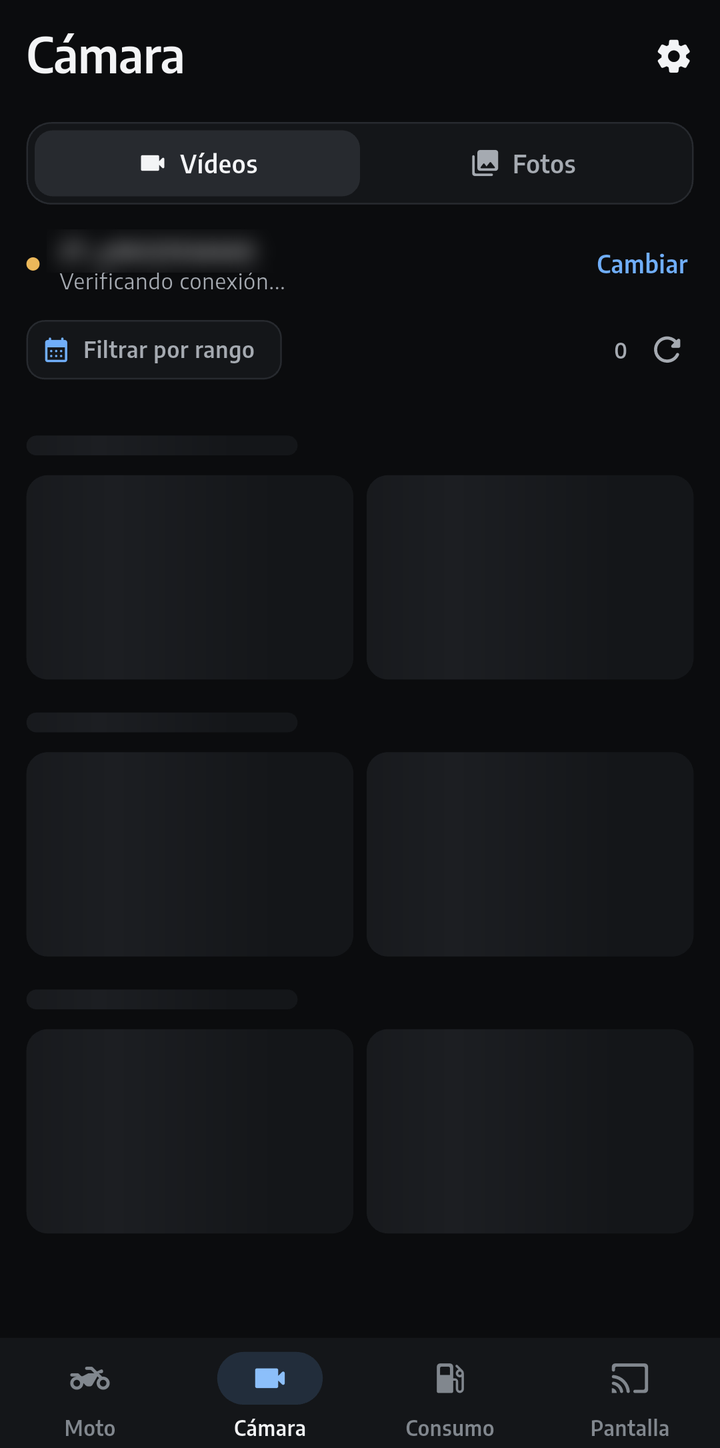
- Camera — lists and downloads front/rear DVR videos and photos, and plays them back in-app.
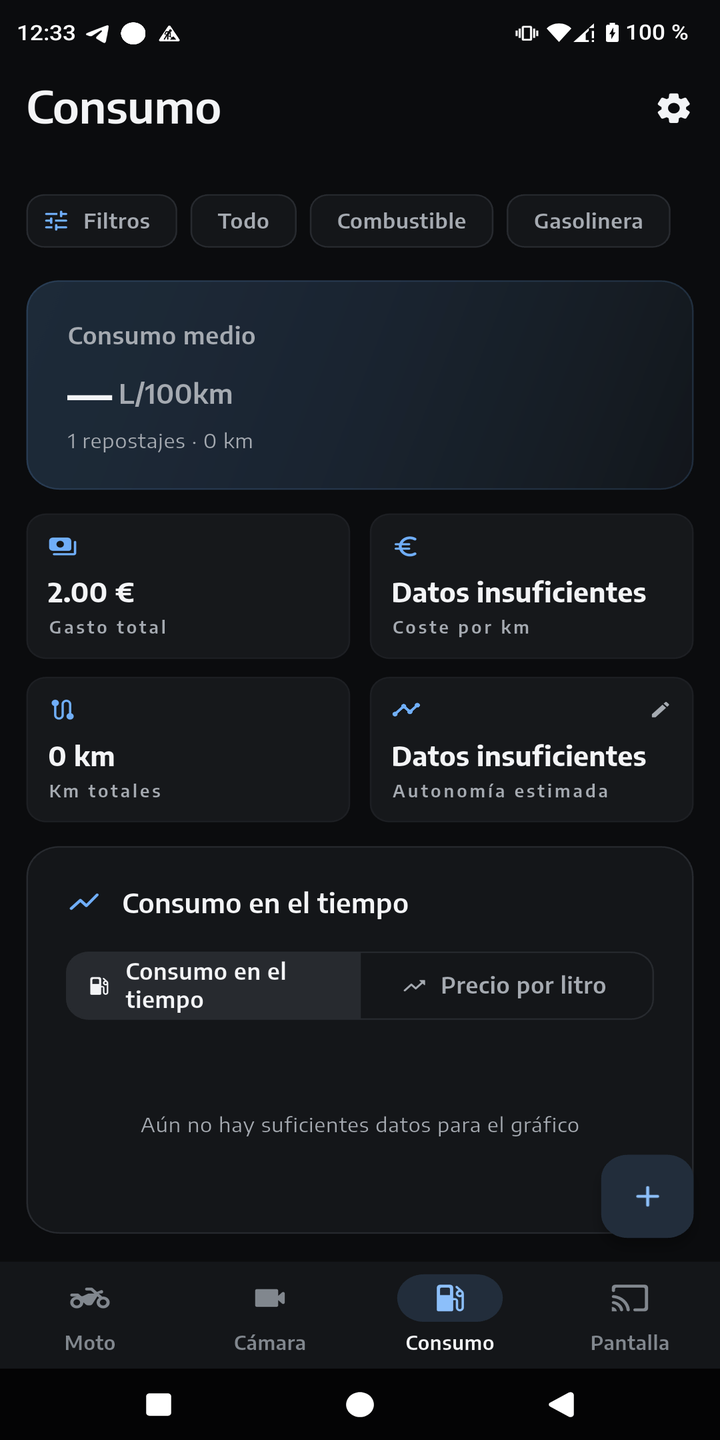
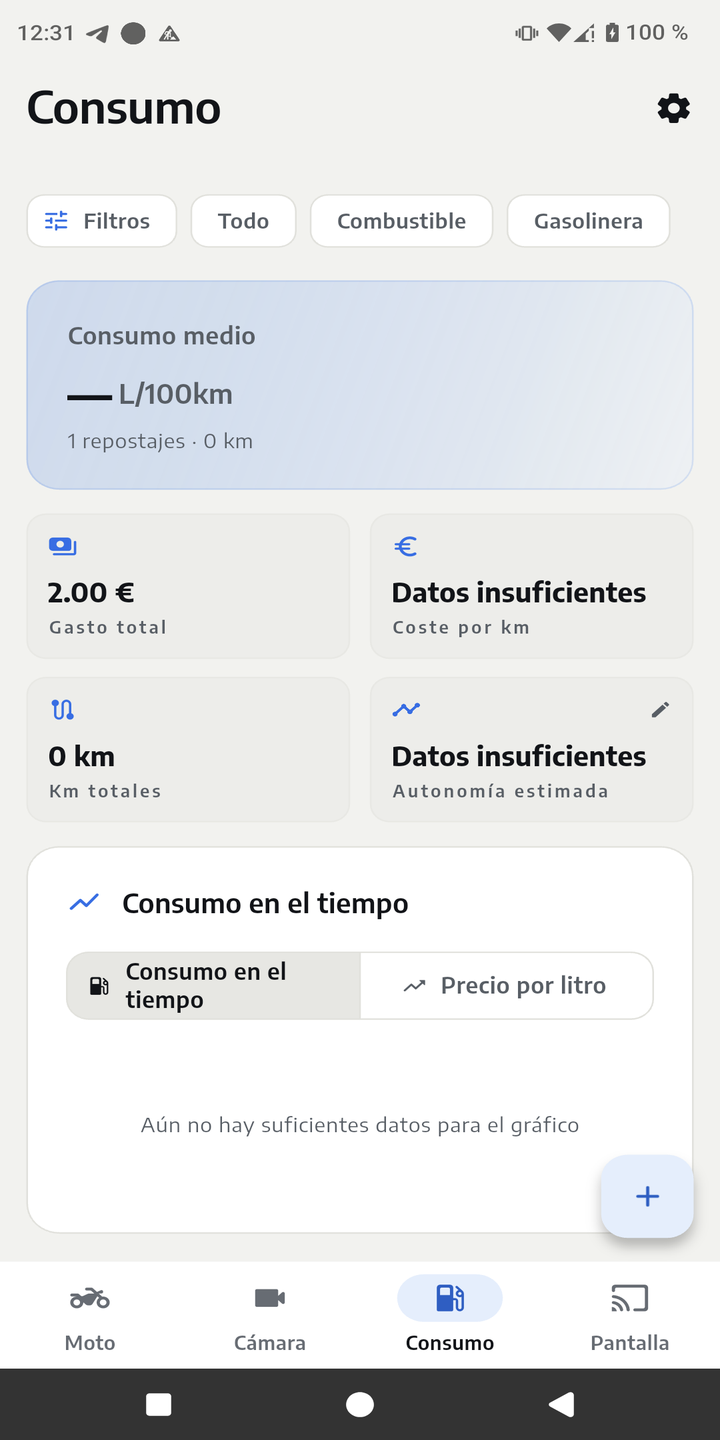
- Fuel — a fill-up log with consumption stats and charts over time.
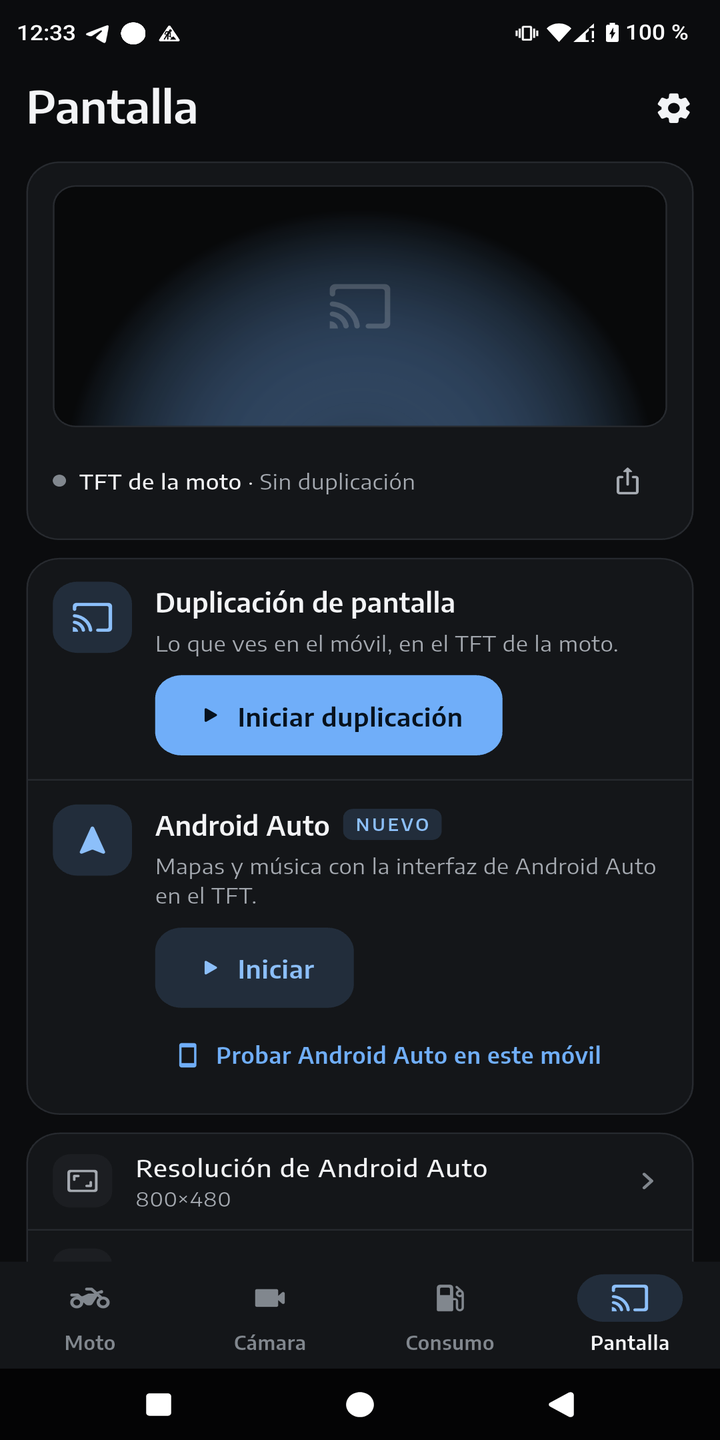
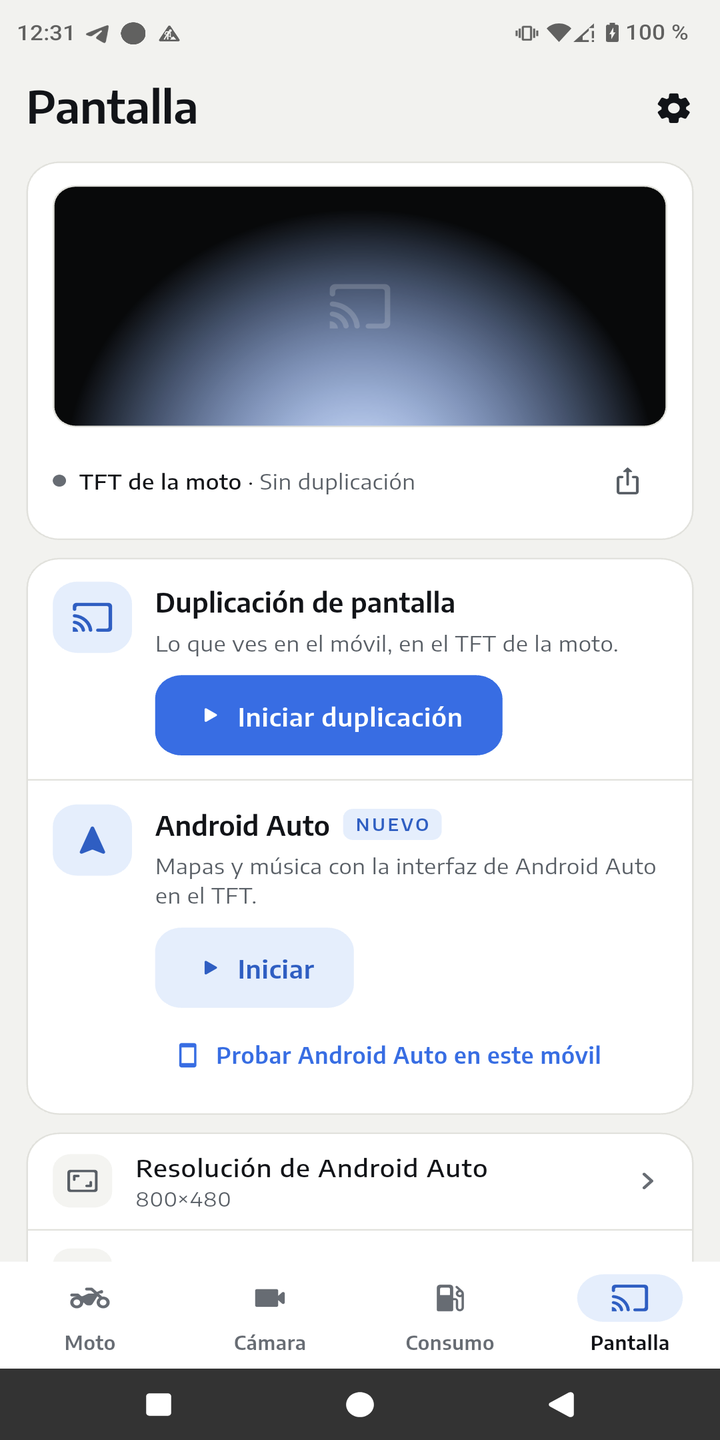
- Screen — the dashboard (TFT) status and two ways to use it:
- Screen mirroring: casts the phone's screen to the bike's dashboard over Wi-Fi Direct, with adjustable frame rate and bitrate.
- Android Auto (experimental): runs Android Auto on the dashboard, for maps and music apps such as Waze or Spotify. See below.
- Vehicle settings — reads and writes parameters stored on the bike's MCU (key method, auto-lock timeout, ESS alarm, handbrake alarm, etc.).
- Garage — manage more than one motorcycle and switch between them.
- QR-based setup — pairing and Wi-Fi credentials are provisioned by scanning a QR code, matching how the bike/dealer configuration works.
- Config export/import — back up and restore app configuration via an encrypted QR code.
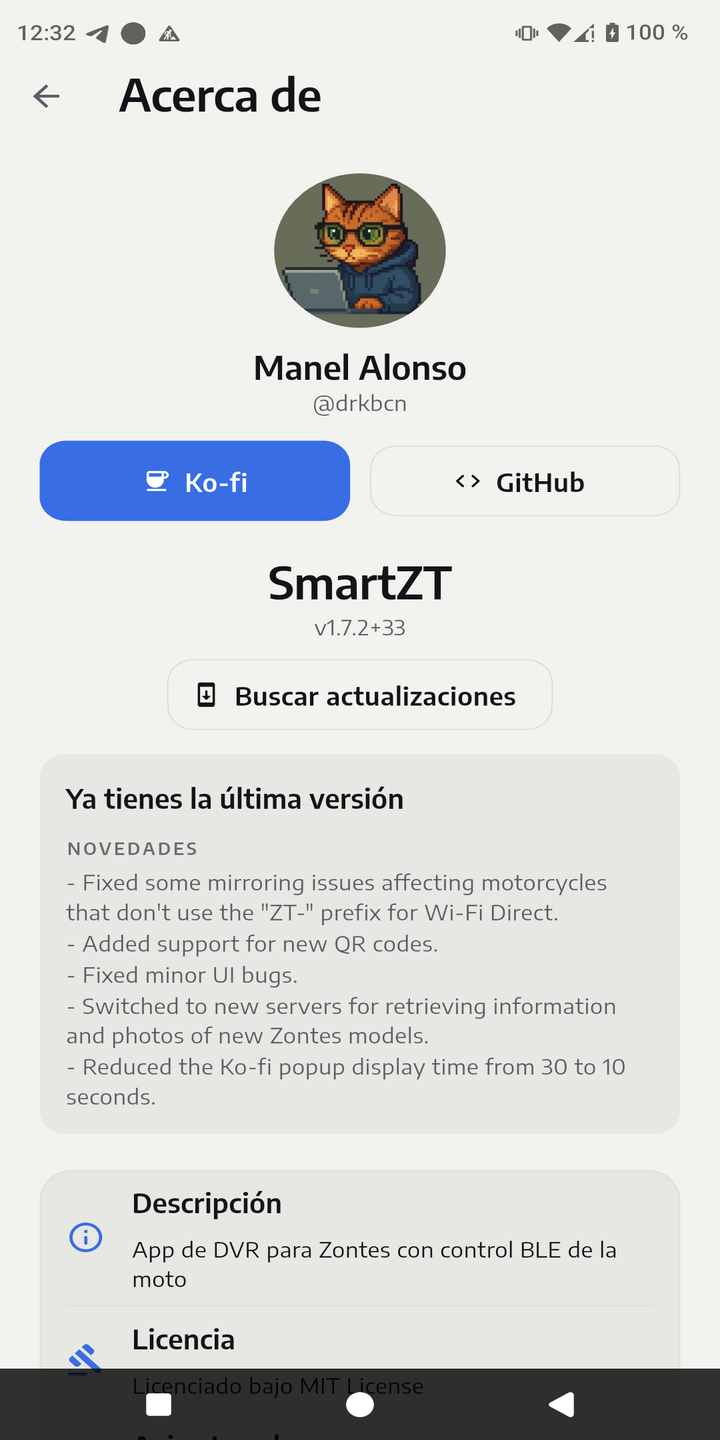
- Updates — the app checks this page for new releases (at most once a day) and lets you download, postpone or skip a version. Settings › About also shows the release notes. Android builds never expire.
The phone acts as the car's head unit: Android Auto's picture is re-encoded to the dashboard and touches on the dashboard are sent back to it. The sound of navigation prompts and music keeps playing through the phone (for example to a Bluetooth helmet).
- Android Auto must be installed, and its developer head unit server started by hand: open Android Auto's settings, tap Version about ten times, then use the ⋮ menu › Start head unit server. The app has a shortcut to those settings. Android does not let another app start it for you.
- The Android Auto screen also opens on the phone, where you can touch it to open apps and menus. A ✕ button takes you back to SmartZT without stopping the projection.
- Try Android Auto on this phone runs it with no bike connected.
- The picture size (800×480, 1280×720 or 1920×1080) is chosen on the Screen tab. Larger sizes cost more CPU and battery.
- Handlebar buttons are not supported: these bikes do not send them.
It has not been validated on every phone or Android Auto version, so expect rough edges.
SmartZT 2.1 is the first build for iPhone and iPad. It is in testing: expect rough edges, and please report what does not work.
- Screen mirroring on iOS is at a very early stage. It may not start, or may not show a picture, on some phones and dashboards. If it fails, share the mirroring log (share button on the dashboard card in the Screen tab) and attach it to an issue.
- Works on iOS: Moto (lock, unlock, seat, fuel cap, ambient light, battery voltage), Camera (DVR videos and photos), Fuel, Garage, Vehicle settings, QR setup and config export/import.
- Not available on iOS: Android Auto, the navigation HUD, the screen protection overlay and home-screen widgets. Wi-Fi Direct does not exist on iOS, so you join the DVR's Wi-Fi by hand in the iOS Settings app; SmartZT shows its name and password.
- Requirements: iOS 15 or later (screen mirroring needs iOS 16 or later), an Apple ID (a free one works) and a computer with Windows, macOS or Linux to install the app.
SmartZT is not on the App Store. You install the .ipa from the
Releases page with your own
Apple ID, using Impactor, a free,
open-source sideloading tool:
- Download
SmartZT-<version>.ipafrom the latest release. - Install Impactor from its releases page:
- Connect the iPhone by USB, unlock it and tap Trust when it asks about the computer.
- Open Impactor, sign in with your Apple ID, choose the SmartZT
.ipaand install it. - On iOS 16 or later, turn on Settings › Privacy & Security › Developer Mode and restart the phone when asked.
- If iOS says the developer is not trusted, open Settings › General › VPN & Device Management, tap your Apple ID and Trust it.
If Impactor shows An Application Group with Identifier 'group.com.vitapps.smartzt.…' is not available, install it again: it can
happen on the first install and the second attempt finds the group already
created.
To update, download the new .ipa and install it over the current one
the same way.
| Option | Keeps opening for | Cost | Tried with SmartZT |
|---|---|---|---|
| Free Apple ID (Impactor) | 7 days, then refresh | Free | Yes |
| SideStore (free Apple ID) | 7 days, refreshed on the iPhone | Free | No |
| Paid Apple Developer account | 1 year | 99 USD a year | No |
| TrollStore | Never expires | Free | No (older iOS only) |
Free Apple ID (7 days). Apple makes the app stop opening 7 days after it was signed. Refresh it before then, or install it again; your garage, settings and fuel log are kept.
- Impactor can refresh it for you: turn on its refresh option when you install. On Windows and macOS it then refreshes in the background while the computer is on and the iPhone is on the same Wi-Fi; on Linux, only while the iPhone is plugged in.
- At most 3 sideloaded apps can be installed at once, and only 10 app IDs can be registered per week. SmartZT uses 2: the app and its screen broadcast extension.
- AltStore and Sideloadly work the same way, but have not been tried yet.
SideStore (7 days, no computer). SideStore lives on the iPhone and re-signs your apps there, through a local VPN on the phone itself (LocalDevVPN). You need a computer once to install it (Impactor can do it); after that it refreshes SmartZT every week by itself over Wi-Fi. It still uses a free Apple ID, so the 7-day and 3-app limits stay, and SideStore itself counts as one of the 3.
Paid Apple Developer account (1 year). With an Apple Developer Program membership (99 USD a year), sign in to Impactor with that account: the app lasts a year (less if the membership ends sooner) and the 3-app and 10-ID limits go away. The steps are the same.
TrollStore (permanent, older iOS only).
TrollStore uses an iOS bug to install
apps that never expire, with no Apple ID. Apple fixed the bug, so it only works
on iOS 14.0 to 16.6.1, 16.7 RC and 17.0, and never on 16.7.x or 17.0.1 and
later. Screen mirroring needs iOS 16, so for the whole app that means iOS 16.0
to 16.6.1, 16.7 RC or 17.0. Install TrollStore with the
ios.cfw.guide guide, then open
the SmartZT .ipa with it. Untested: screen mirroring needs the app and its
broadcast extension to share data, and that may not work under TrollStore.
Avoid paid "signing certificate" services: Apple revokes them often, and the app stops opening without warning.
- Join the bike's Wi-Fi in the iOS Settings app (SmartZT shows its name and password), then come back to SmartZT.
- On the Screen tab, start mirroring.
- In the iOS screen broadcast sheet, choose SmartZT and tap Start Broadcast.
- Keep the phone unlocked. While it is locked the dashboard shows a "Phone locked" picture. Keep running when locked plays inaudible audio so iOS keeps the mirror alive; it uses more battery.
BLE control (lock/unlock, seat, fuel cap, ambient light) requires a 16-character Zontes encryption key to authenticate with the PKE module. This key is not distributed with the app — without it, BLE control won't work.
This is a reverse-engineered client: the BLE frames, crypto, and DVR HTTP API were derived from the original app rather than from official documentation. Expect some rough edges around less common vehicle/firmware combinations.
This repository does not host the source code — only signed builds.
- Android: grab the latest APK from the Releases page and install it over your current version; your garage, settings and fuel log are kept. Releases marked Pre-release are betas and are not offered by the in-app update check.
- iPhone and iPad: see Installing on iPhone or iPad.
English, Spanish, Italian, Portuguese, French, German, Greek, Bulgarian and Ukrainian. (Greek, Ukrainian and Bulgarian use the system font.)
This project is not affiliated with, endorsed by, or supported by Zontes. Use it at your own risk.