
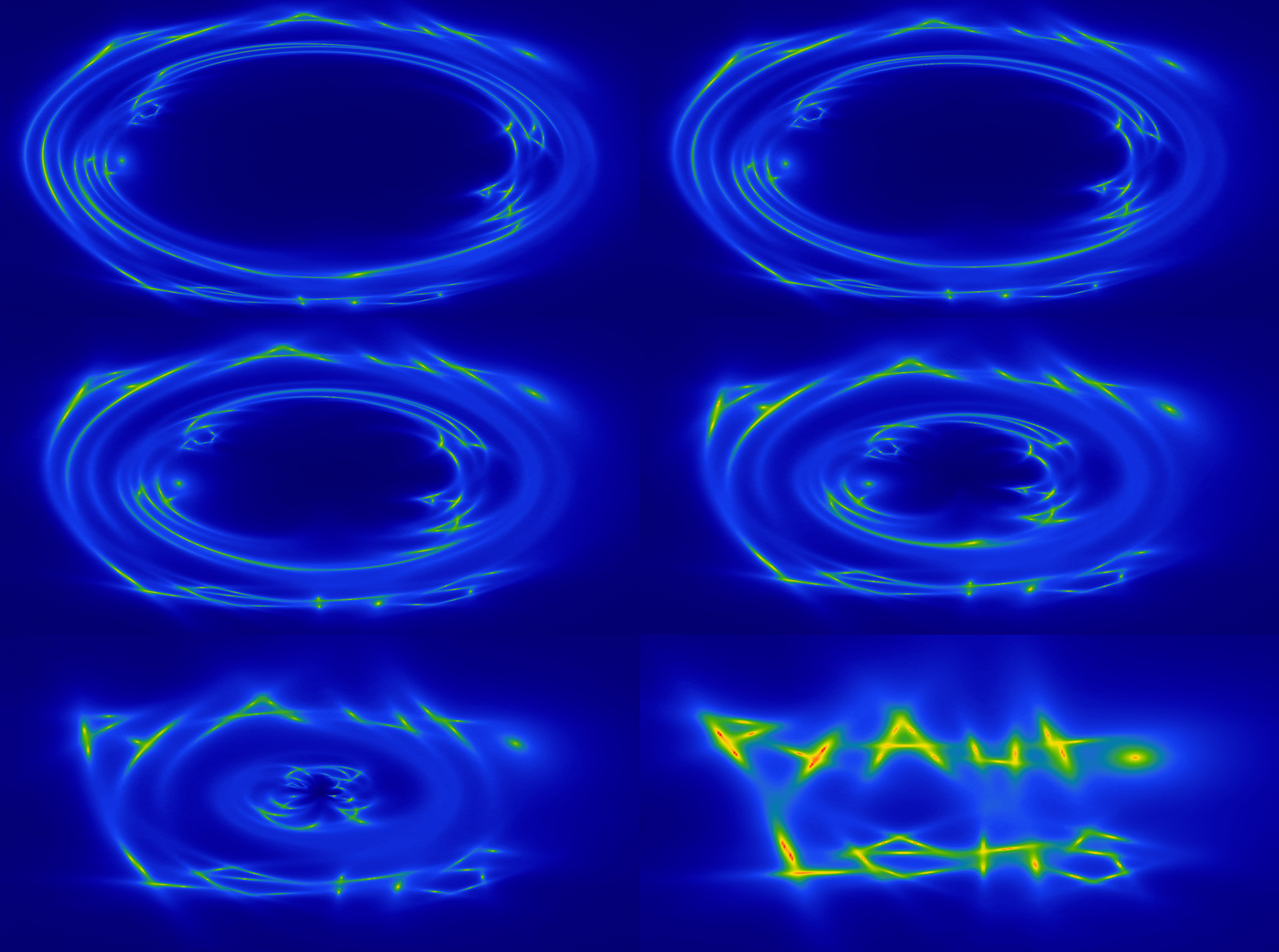
When two or more galaxies are aligned perfectly down our line-of-sight, the background galaxy appears multiple times. This is strong gravitational lensing, and PyAutoLens makes it simple to model strong gravitational lenses.
This repository is the PyAutoLens Assistant: an AI assistant which lets you use natural language to do gravitational lensing science.
Still want to see the Python code? Try the Google Colab notebook, which walks through the same COSMOS-Web Ring analysis with Colab's Gemini AI on hand to answer your questions.
The assistant runs inside an AI coding agent, a tool that can read this repository, run Python on your computer and look at the results. Pick your agent: Claude Code or Codex are recommended, and GitHub Copilot CLI or OpenCode are free AI options if you want to try it without paying.
Once it is installed, open your AI coding agent and paste in the starting prompt below. The agent downloads this repository and installs PyAutoLens for you, so there is nothing else to set up.
A strong lens forms when a foreground galaxy's mass bends the light of a galaxy far behind it, so that we see the background galaxy stretched into arcs, multiple images or a full ring:

To illustrate the autolens_assistant we will use James Webb Space Telescope imaging data of the
COSMOS-Web Ring, whose imaging
ships with this repository in dataset/imaging/cosmos_web_ring:

Take note of the lens galaxy, lensed source galaxy, extra galaxy and the 1.8" circular mask, your first
interactions with the autolens_assistant may ask you about how to handle these in your analysis!
If you've not used the PyAutoLens AI Assistant before, use the prompt below. It'll ask your background (e.g. scientist, PhD student, member of the general public) and explain gravitational lensing to you accordingly.
Starting prompt for Claude Code, Codex or other AI coding agent
I want to use the PyAutoLens Assistant: https://github.com/PyAutoLabs/autolens_assistant
First clone that repository, cd into it and follow its AGENTS.md.

I'd like to understand how gravitational lensing works using the JWST image of the COSMOS-Web Ring that ships with the assistant. Show me the picture, explain what we are looking at, and walk me through fitting a lens model so we can measure the mass inside the ring and see how well the model reproduces the observations. Pitch it at my level: ask me what my background is first. Explain what we are doing as we go, and let me ask questions or change the analysis along the way.
From here you should be able to have a conversation with the assistant. If you're new to gravitational lensing you can begin learning about the physics, and if you're already an expert you can run some detailed lens modeling on the COSMOS-Web Ring!
The autolens_assistant adapts its behaviour to suit your prompt:
-
Want the assistant to ask questions before performing a task, helping you understand the analysis and make informed choices? Ask it to guide you through the process.
-
Want to talk through the different ways you could model your lens before deciding on one? Simply say so in your initial prompt.
-
Want it to complete a task end-to-end without consulting you? Tell it to one-shot the task.
The PyAutoLens Start Here page introduces grids, light and mass profiles, ray-tracing, simulating a strong lens and fitting it. The assistant can walk you through the same steps as a guided conversation, one step at a time, with you typing each request in plain English, before helping you find the right starting point for your own lenses:
Example Natural Language Prompt for Claude Code, Codex or other AI coding agent
I want to do strong lensing science with PyAutoLens (https://github.com/PyAutoLabs/PyAutoLens) and the
autolens_assistant (https://github.com/PyAutoLabs/autolens_assistant). First clone that repository,
cd into it and follow its AGENTS.md.

Begin the "start here" guide for a new user.
Every step saves the PyAutoLens Python it ran under scripts/start_here/, so you can read, run and change the code
yourself. See modes/start_here.md.
If you are new to gravitational lensing, particularly an undergraduate or early-stage PhD student, ask the assistant to use Teacher Mode. It will explain the fundamentals of lensing and lens analysis in greater detail, while providing direct links to relevant guides and examples so that you can understand what PyAutoLens is doing.
Example Natural Language Prompt for Claude Code, Codex or other AI coding agent
Teacher mode.

I'm new to PyAutoLens and want to learn the basic workflow end-to-end. Can you
walk me through a simple example where we: 1) simulate Euclid-like imaging of
a simple strong lens; 2) make some plots of the lens and investigate its properties and;
3) fit the data and recover the lens model.
These longer prompts show how far the assistant can be pushed:
- Detect a dark matter subhalo in SLACS0946+1006, reproducing a published detection of a dark matter subhalo with Bayesian model comparison.
- Combine different data types and lensing scales, jointly fitting imaging, interferometer data and a weak-lensing catalogue of a group-scale lens.
The assistant knows more than the PyAutoLens API. It ships with a literature wiki (wiki/literature/) built from
over 300 strong lensing papers, organised by topic (for example the mass-sheet degeneracy, dark matter substructure
and time-delay cosmography) and by survey or system (for example SLACS, TDCOSMO and Euclid). So if your prompt
mentions, say, ALMA observations of submillimetre galaxies, the assistant answers with the relevant literature in mind.
Before you start a serious analysis, add the papers that matter for your own work. Just point the assistant at them and it will read and file them for you:
Example Natural Language Prompt for Claude Code, Codex or other AI coding agent
Ingest the following paper into the literature wiki so you can use it
when we talk about subhalo detection:

  arXiv:2401.01234

(Or, if you have the PDF locally: /path/to/subhalo_paper.pdf)

Once it's ingested, summarise the paper and how it complements similar
works in the literature wiki
The more relevant papers you add, the better the assistant gets at framing decisions, citing prior work and spotting caveats in your results.
When you start a real scientific study, ask the assistant to set up a science project. This is a tidy folder, backed by its own GitHub repository, that holds everything for that study: the data, the analysis scripts, the results, the plots and a record of your conversations with the assistant.
- Readable. Every script the assistant writes is documented and can be turned into a Jupyter notebook.
- Shareable. Collaborators can open the GitHub repository to see where the project stands and how each result was made, and suggest changes or build on it.
- Scales up. The project can send jobs to an HPC cluster (CPU or GPU), keep its files in sync and track the runs.
- Reproducible. If the work becomes a paper, the repository is its open-source companion, so readers can rerun the analysis or start their own from it.
To start one, just ask:
Example Natural Language Prompt for Claude Code, Codex or other AI coding agent
Start a science project for my SDSSJ0946+1006 analysis.
The autolens-assistant starts with the general knowledge and reasoning capabilities of
the underlying foundation model your coding agent runs (e.g. an OpenAI model in Codex, a Claude model in Claude Code).
The autolens-assistant supplements this with the scientific wiki above and two more sets of AI-readable markdown.
The folder wiki/core provides it with a quick look-up mechanism of the PyAutoLens API documentation. The folder
skills pairs it with the end-to-end analysis scripts found in the autolens_workspace. When the autolens-assistant
receives your prompt, it scans these folders to give you the best possible answer
you need. The JOSS paper located in the paper folder provides a more detailed description.
You can also talk to the assistant in an ordinary chat, by connecting this repository to ChatGPT or Claude through their GitHub connector, for asking questions, planning an analysis, learning and discussing papers. A chat cannot run code or inspect your local data, so for lens modeling itself use a coding agent. The PyAutoLabs AI options page shows how to set it up.
In March 2026, following more than a decade of exclusively human-led software development, PyAutoLens transitioned
to a fully natural-language, agentic-AI development ecosystem called
PyAutoScientist. The ecosystem is organised as a software organism
whose core repositories mirror the roles of human organs:
PyAutoBrain acts as the reasoning centre, classifying, planning, and
routing tasks through specialist coding agents; PyAutoMind captures
intent by recording plain-English development requirements and tracking them from initial ideas to completed
implementations; and PyAutoMemory provides long-term scientific memory
through cross-linked literature wikis and verifiable citations. Humans remain firmly in the loop, defining the
scientific objectives, supervising the development process, and approving consequential decisions.
How well does the assistant work with a given AI agent and model? To answer that fairly, the example prompts in this
README are also saved as fixed benchmark prompts in benchmarks/, each with a scoring rubric
(the COSMOS-Web Ring fit is the cosmos-web-ring-fit card). A small harness records each run's conversation, results
and score, so different agents and models, or the same model on different days, can be compared on evidence.
No run has been scored yet, so nothing here is a measured performance claim for any agent or model. The protocol
is in benchmarks/README.md.
This repository is released under the MIT License, consistent with the wider PyAuto* ecosystem. The assistant ships agent instructions and reference material derived from the public PyAuto* repositories; the underlying libraries are released under their own licenses (see each repo).
Note for AI coding agents
If a prompt sent you here and you are not already inside this repository, clone it
(git clone https://github.com/PyAutoLabs/autolens_assistant.git && cd autolens_assistant), then read AGENTS.md
in full and follow it. Hooks and project settings do not load for a folder cloned mid-session, so run the code gate
yourself (python autoassistant/audit_skill_apis.py --code "<snippet>") before running PyAutoLens code, and tell the
user in one line that relaunching the agent inside autolens_assistant/ gives the full setup.