
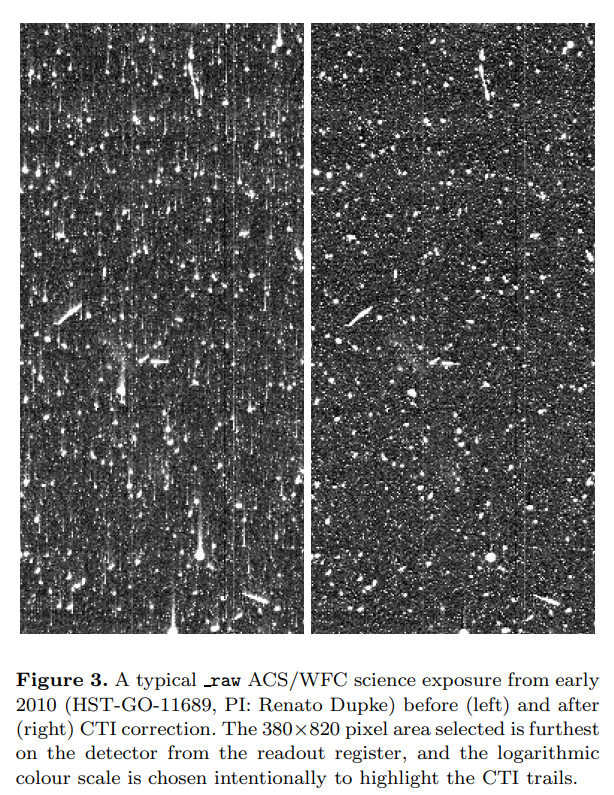
PyAutoCTI lets you simulate, calibrate and correct charge transfer inefficiency (CTI) in CCD detectors. CTI occurs when defects in the detector trap and release electrons during readout, leaving trails in the image.
- What is CTI? — learn about CTI and how it affects your data.
- Install PyAutoCTI — get set up on your computer.
- Find examples — explore simulation, calibration and correction in the workspace.
The PyAutoCTI AI Assistant helps you learn about CTI and work through calibration examples through conversation. To get started, paste this prompt into your AI coding agent:
I want to learn about CTI and use PyAutoCTI
(https://github.com/PyAutoLabs/PyAutoCTI) with the
autocti_assistant (https://github.com/PyAutoLabs/autocti_assistant).

First clone the assistant repository, cd into it and follow its AGENTS.md.
Explain CTI, then guide me through the introductory calibration demonstration.
See AI Options for tools and setup guidance.
The overview examples introduce parallel and serial charge transfer, charge injection data, and how to fit and calibrate a CTI model.
The PyAutoCTI documentation covers the software’s features and how to use them in your own analysis. PyAutoCTI uses arCTIc to simulate charge transfer through the detector.
Ask questions, suggest improvements and share your work in PyAutoLabs Discussions.
To contribute, see the contribution guide.
If you use PyAutoCTI in your research, see the citation guide.
See the license.