
A rotation helper for World of Warcraft 3.3.5a (WotLK).


English · Русский
RotationCore watches your spec, talents, resources and target, then highlights the next ability to press. It works out of the box and needs no setup.
10 classes · 29 specs · 12 languages
- Download the latest
RotationCore-<version>.zipfrom Releases. - Extract it into
World of Warcraft/Interface/AddOns/so the folders land asAddOns/RotationCoreandAddOns/RotationCore_<Class>. - Enable Load out of date AddOns in the addon list.
- Type
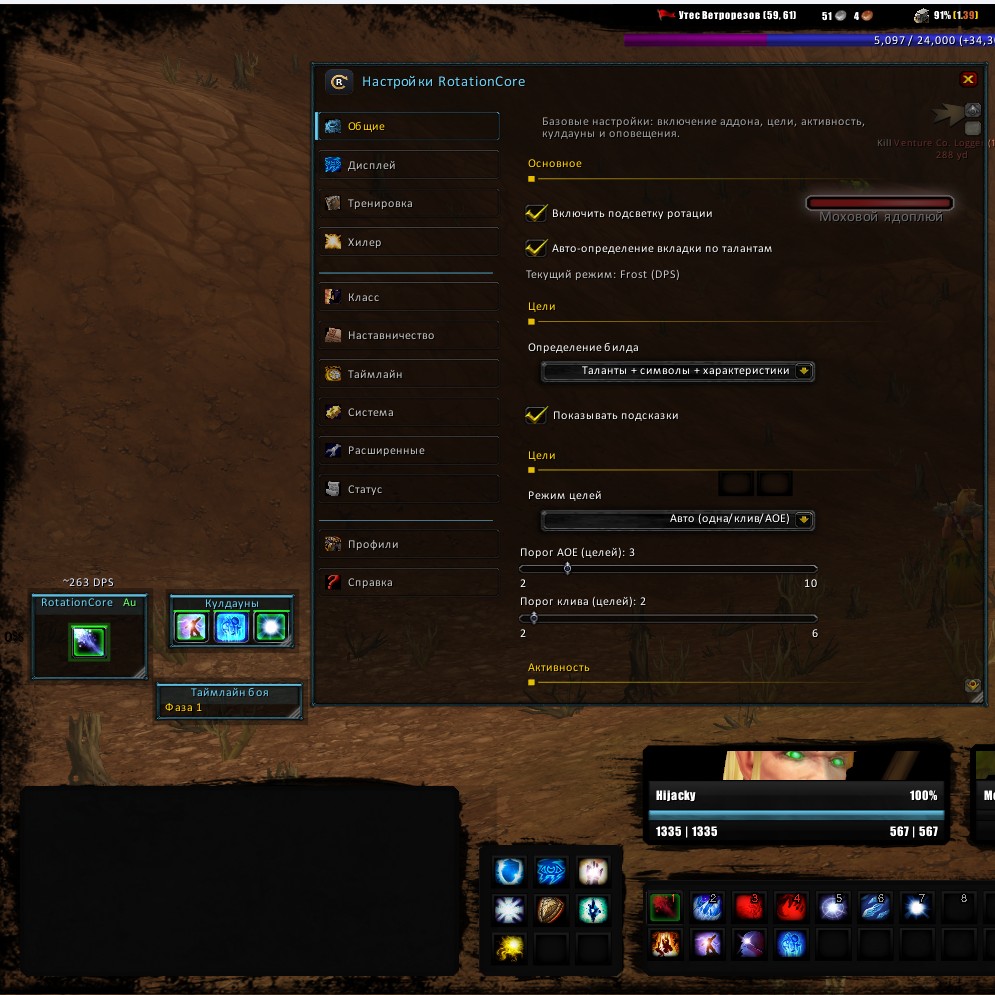
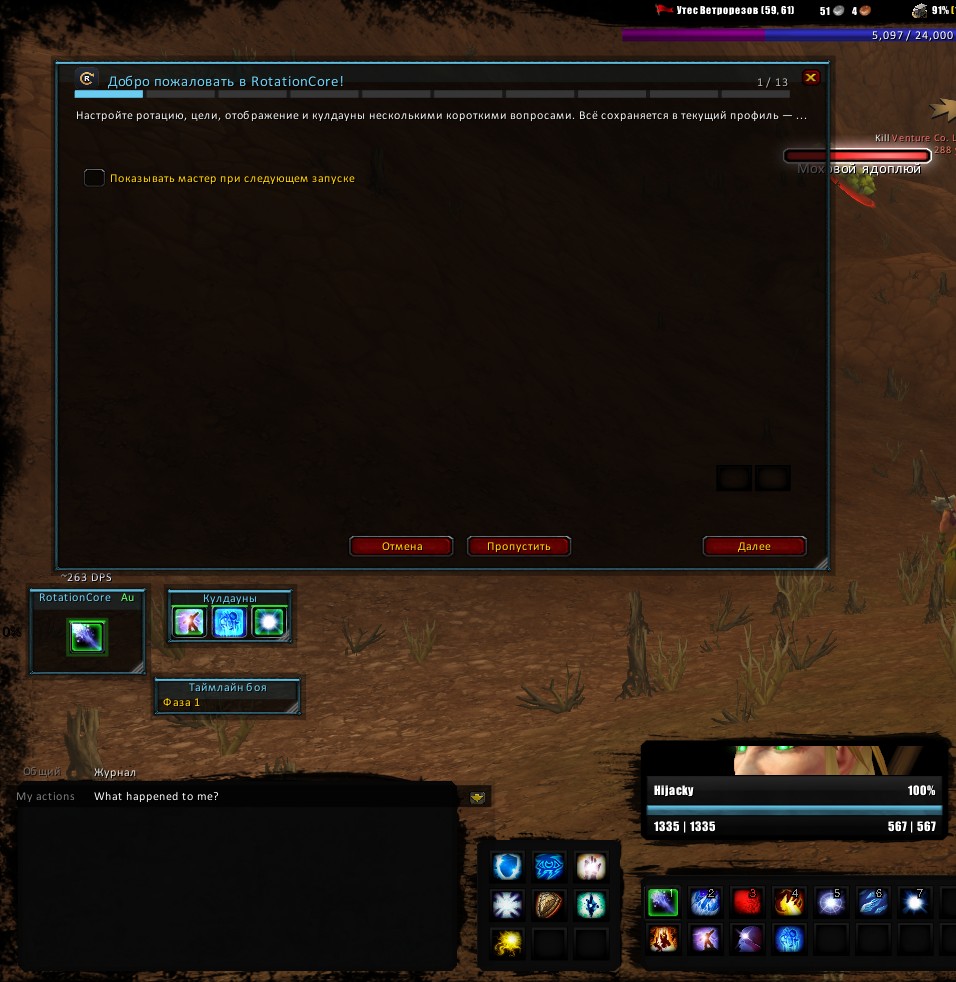
/rcin game to open the options window, or/rc wizardfor guided setup.
| Options | First launch | In combat |
|---|---|---|
 |
 |
 |
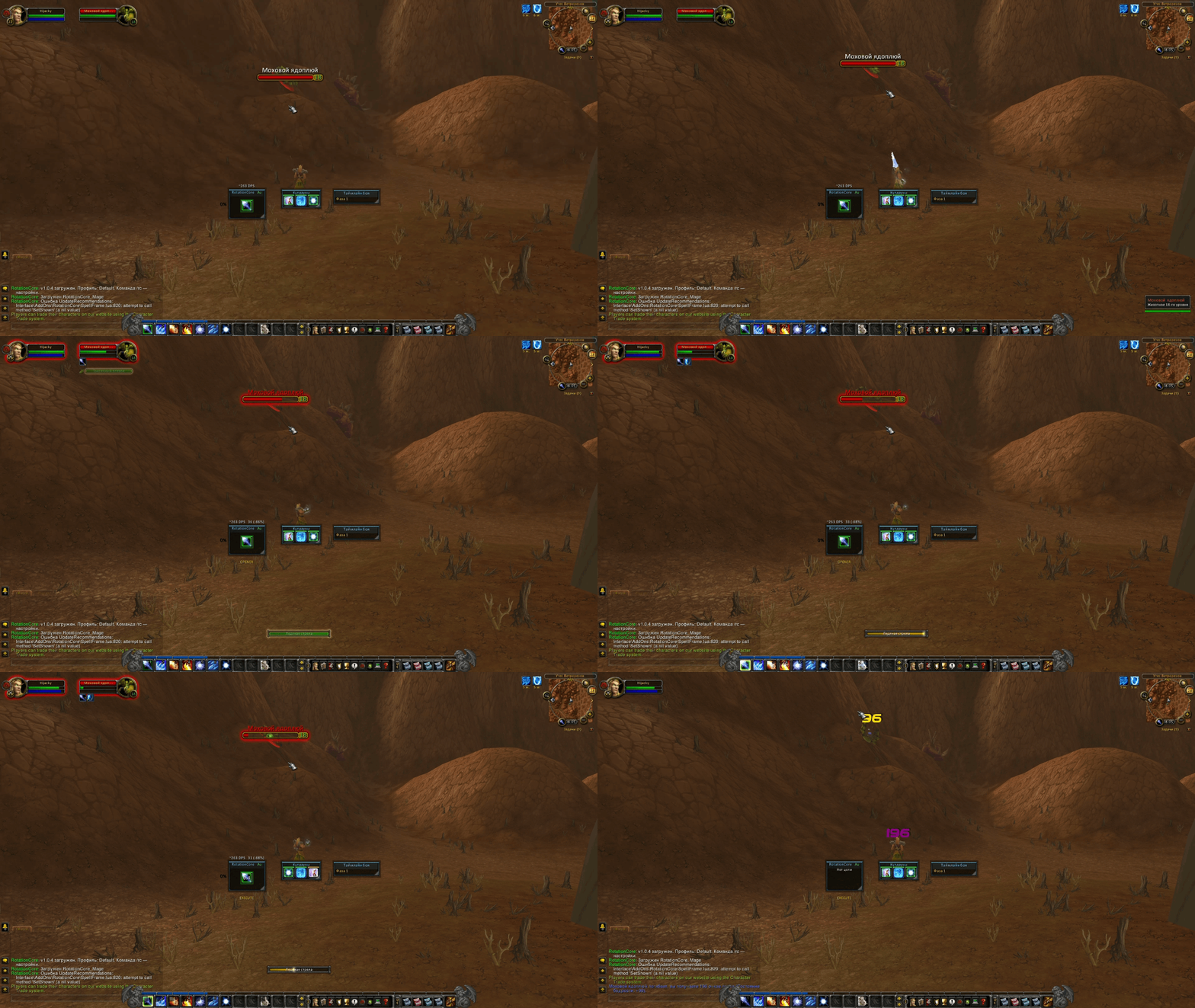
- Action-bar highlight with priority colours and glow styles (pulse / static / flash / rainbow), plus colour-blind friendly palettes.
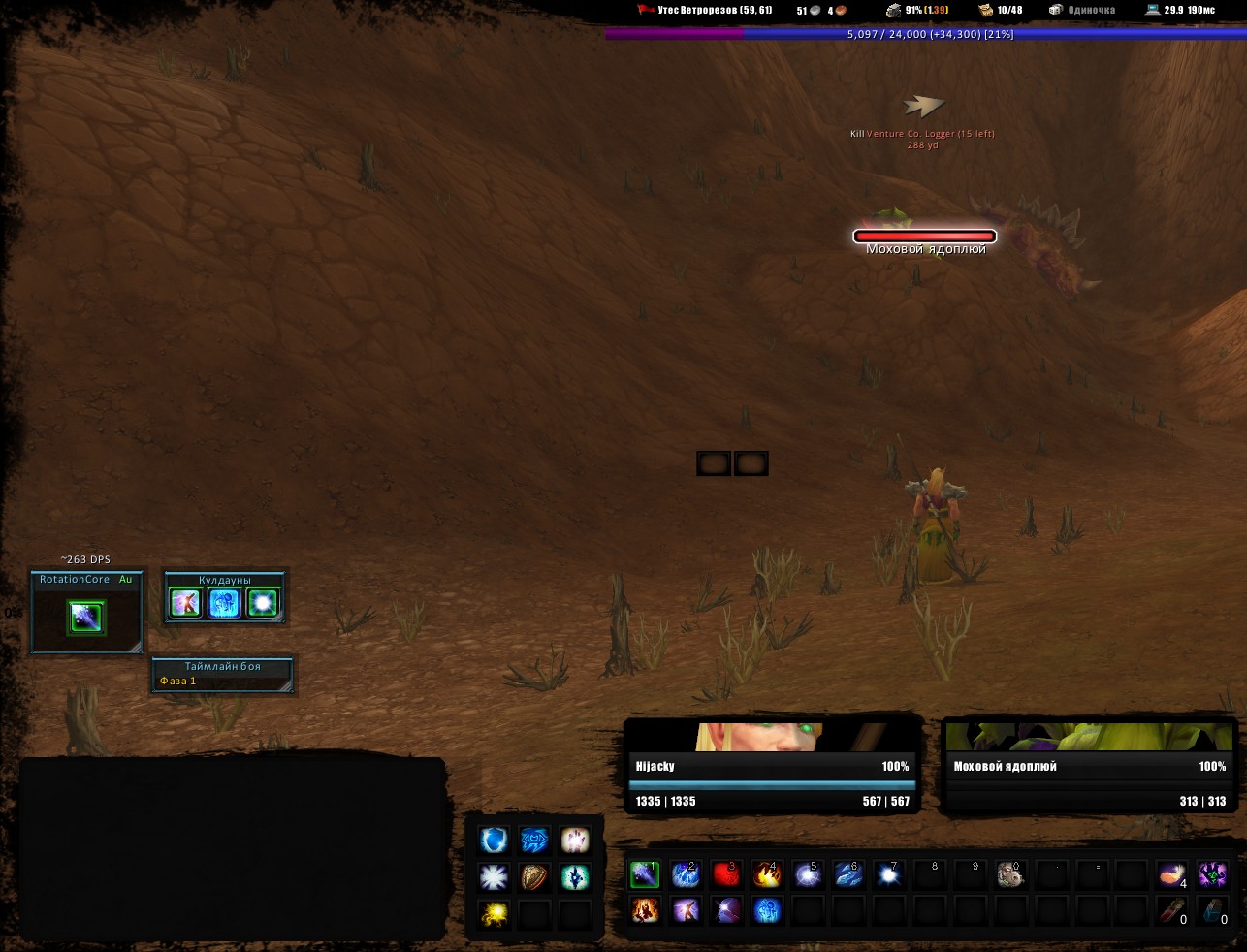
- Icon window with your top recommendations, keybind overlay, target-mode indicator (S / A / Au) and an idle reason when there is nothing to do.
- Live DPS forecast above the icon window (
~5200 DPSplus actual DPS and loss %) while in combat. - Cooldowns window (ready-first ordering, configurable minimum CD).
- Interrupt window that reacts the moment your target starts casting.
- Boss timeline from DBM / BigWigs (works without them too):
Hold CD/Prepare/BURSThints and optional phase-based target-mode switching.
- Class pulse: green/yellow/red execution quality (cast accuracy, DoT uptime, cooldown usage).
- Mentor mode: explains mistakes after N in a row.
- Exam mode: no action-bar glow, only REC1 shown, accuracy report.
- Training mode: keeps recommending on a dummy and explains why.
- Adaptive rotation: adapts to your average item level.
- Learning stats: per-fight accuracy / DPS history (
/rc learning). - Coach hub (
/rc hub): status/grade, cooldown plan, fight breakdown (/rc analyze), simulator (/rc sim), APL editor (/rc apl edit), talent check (/rc talents) and a group-health monitor.
- Custom rotation: a plain-text priority list (
/rc apl import) that replaces the built-in rotation; export and share it in one line. - Boss profiles: per-encounter setting overrides (ICC / ToC / Ulduar / Naxx / RS presets).
- Per-spec profiles and text import / export.
- PvP mode: interrupt > control > burst > survival priority branch.
- Healer assist: recommends a heal for the lowest-HP group member, plus a group-health monitor.
- Heal-spec DPS: keeps doing damage while healing.
- Themes: Class colour (default), Dark, Light, High contrast; compact icon window; large/readable text.
- Panel configuration (Dominos-style): click a window to configure it, snap-to-grid while dragging.
- Background styles (rounded / glass / matte), custom fonts and animations.
- Extras: DoT/debuff panel, enemy counter, resource-cap warnings, racial cooldowns, melee swing timer and timeline bars.
- Setup Wizard and tooltips for every option.
| Class | Specs |
|---|---|
| Death Knight | Blood · Frost · Unholy |
| Druid | Balance · Feral (Cat) · Feral (Bear) |
| Hunter | Beast Mastery · Marksmanship · Survival |
| Mage | Arcane · Fire · Frost |
| Paladin | Retribution · Protection · Holy |
| Priest | Shadow · Discipline · Holy |
| Rogue | Assassination · Combat · Subtlety |
| Shaman | Elemental · Enhancement |
| Warlock | Affliction · Demonology · Destruction |
| Warrior | Arms · Fury · Protection |
| Command | Action |
|---|---|
/rc / /rc close |
Open / close options |
/rc help · /rc wizard |
Help · Setup Wizard |
/rc toggle |
Enable / disable the addon |
/rc profile <n> |
Switch profile |
/rc spec <name> |
Pick a build |
/rc pause |
Freeze recommendations |
/rc move / /rc lock |
Move / lock the icon window |
/rc train · /rc pvp · /rc exam · /rc mentor |
Mode toggles |
/rc dps · /rc timeline · /rc palette <name> · /rc layout <preset> |
Display |
/rc apl … |
Custom rotation |
/rc learning |
Learning statistics |
/rc boss … |
Boss profiles |
/rc stats · /rc log |
Analytics |
/rc hub · /rc sim · /rc analyze · /rc talents |
Coach tools |
/rc selfcheck |
Self-test (PASS/FAIL) |
Does it play the game for me? No. It only highlights the next ability: you press every button yourself.
Will it work without DBM/BigWigs? Yes. The boss timeline works on its own; DBM/BigWigs add precise timers.
Is my data safe? Yes. Settings are stored locally by the game and never leave your client.
Why is a spell missing or wrong? Open a bug report with the spell name and your class/spec.
Does it work on private servers?
It targets the standard 3.3.5a game data and works on private servers running
3.3.5a. For custom abilities you can define your own rotation with /rc apl.
MIT. See LICENSE.
Contributions are welcome. See CONTRIBUTING.md. For the technical guide, see docs/DEVELOPMENT.md.