

FinTrack is a robust, privacy-focused Android expense tracker designed to help you manage your finances with ease. It features automated transaction detection, biometric security, and a flexible budget management system.
-
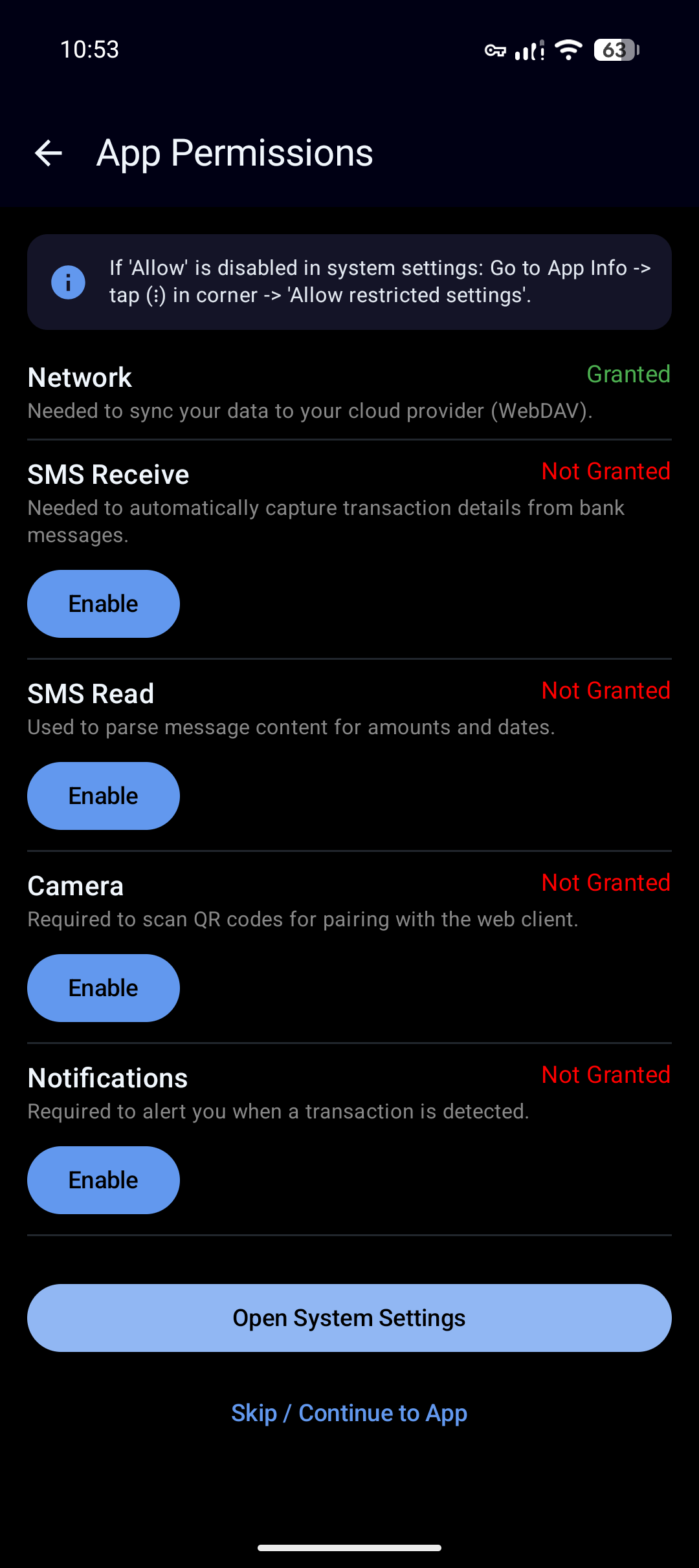
Automated SMS detection: Automatically parse transaction messages to save you time.
-
Custom SMS processing rules: Automate transaction recording by setting up custom SMS parsing rules.
-
Web App : Record transactions on any device and export data on any device. Creates a local server to record transaction on any devices connected in your local network.
-
Sync to your own cloud: Auto sync your database to any WebDAV supported cloud provider with optional E2EE support.
-
Encryption at rest: Once turn on Ultra Secure Mode, your App data remains encrypted on your device as soon as you close the app (not just when you backup database).
-
Financial insights: App detects anamolies and notifies user for any unusual spending habits, debt crisis, lesser investments, excess liquidity.
-
Loan management: Manage loans taken or given with auto recording of entries and alerts during repayment every month.
-
Credit cards: Handy if you are having more than 1 credit card. Just set up billing cycle and payment due dates, app will construct full credit card dashboard for your review.
-
Credit cards usage suggestion: When you have more than one credit cards, app will suggest best card to use for optimum usage of credit period.
-
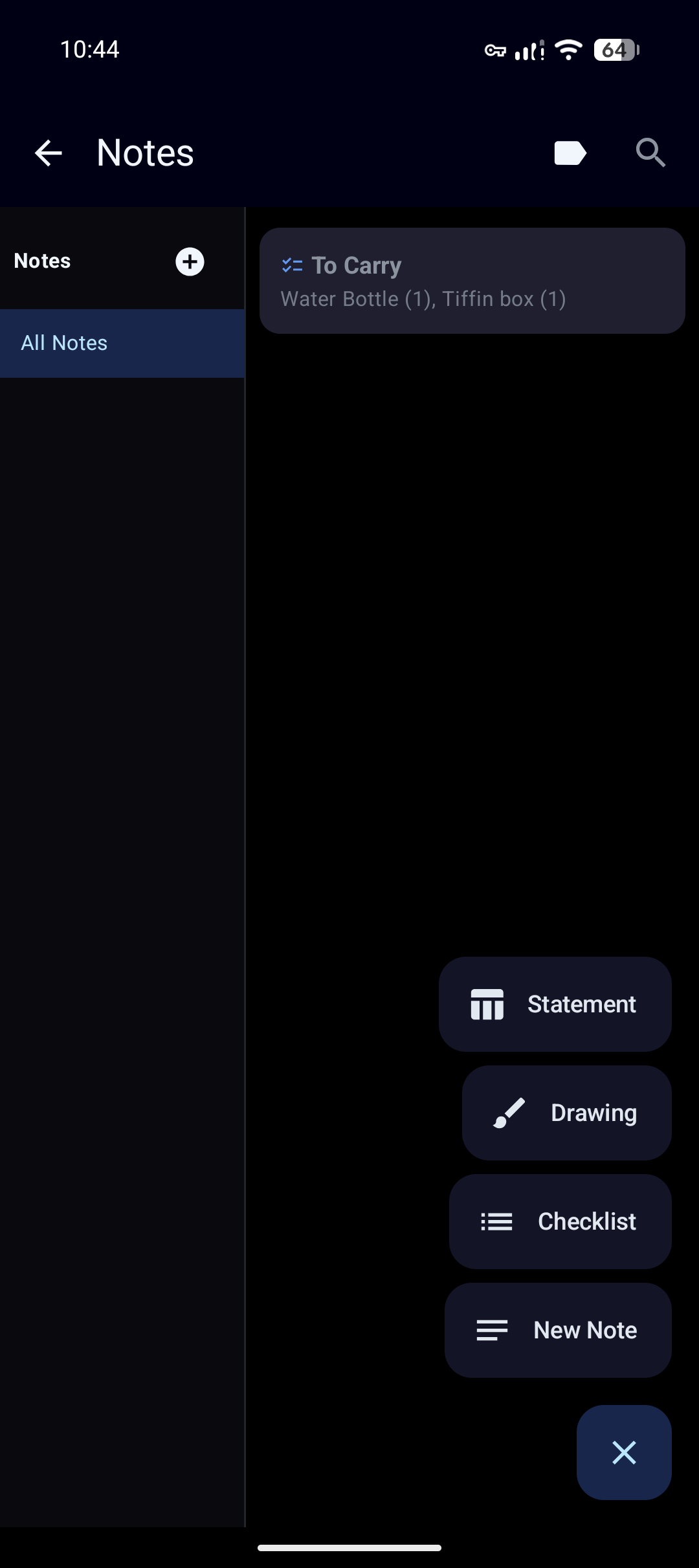
Notes: Comes with built in notes app for easy note taking within app with drawing, checklist and text notes.
-
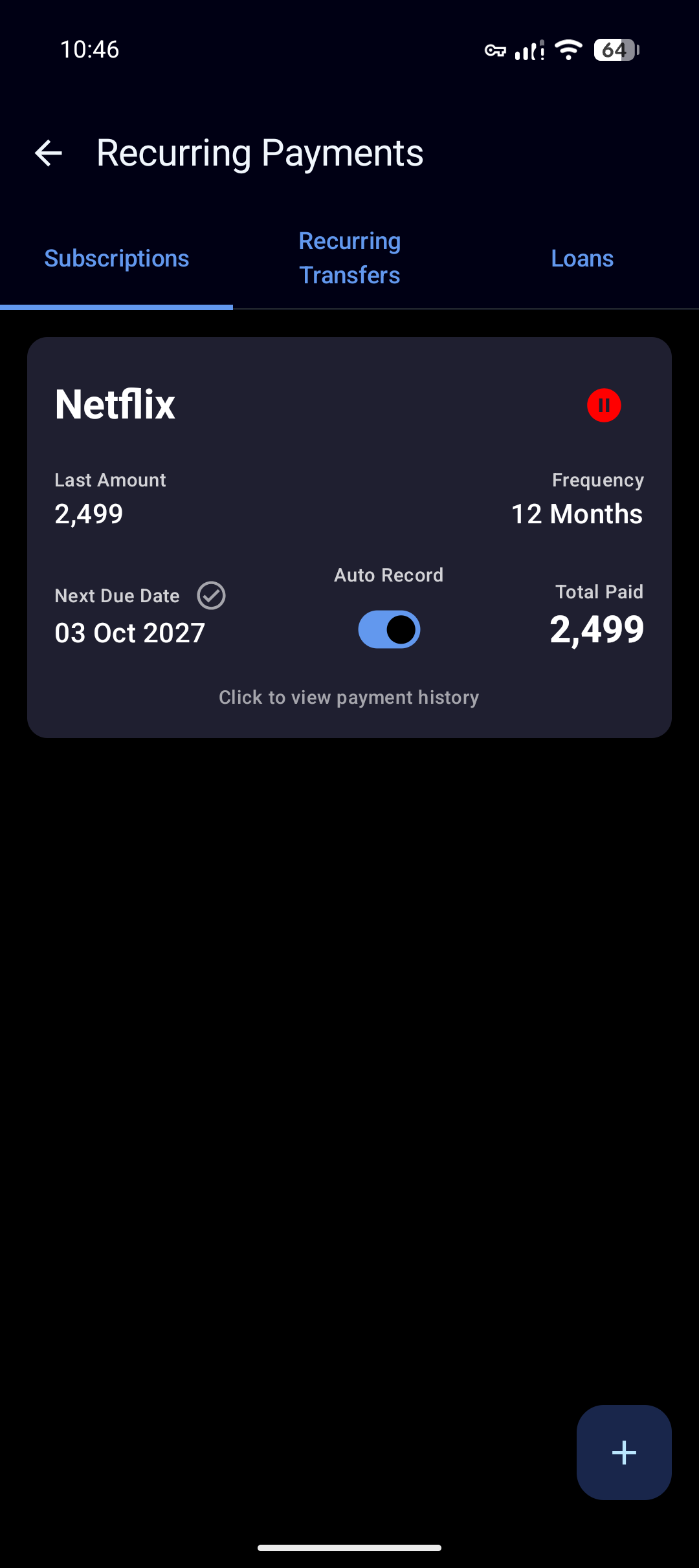
Subscription management: Manage recurring expenses easily.
-
Fetch and use exchange rates: Multi currency support. Set one currency as your home currency and record any entry in other currencies. App will take care of exchange rate conversions.
-
Negotiation tracker: Lets user fill in original amount and negotiated amount. Track savings through negotiation for a transaction.
-
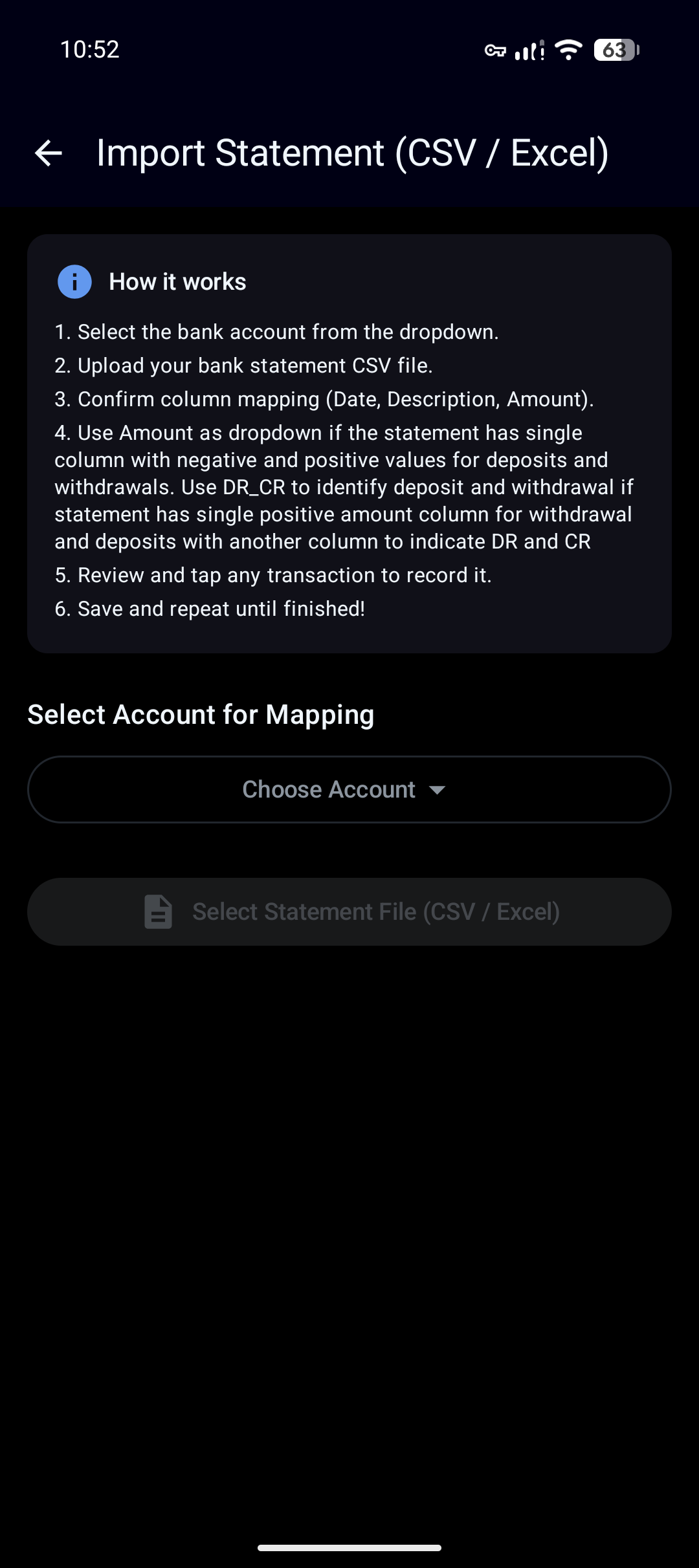
CSV / Excel Import: Import bank statements using CSV files in any format, app lets to assign input fields for each of csv columns letting user decide what to import. (Use Amount if csv columns are negative and positive values to indicate deposit and withdrawals and use combination of Amount and DR_CR if deposit and withdrawals are in one single column with an additional single column to indicate deposit and withdrawal). Apps also takes care of de-duplication so that any transaction already recorded will not be repeated again.
-
Invoice age tracking: For On Account (Loan), record invoice numbers and track aging of those invoices.
-
FD Maturities Tracker: Set up FD maturities and track all FDs in one view.
-
Financials Goals: Mark an account balance or transaction as towards a specific financial goals and track its fund using dedicated goals dashboard. Set up auto allocation rules.
-
Attach images or Files: Attach files or images when creating a transaction. Please note that files attached will be saved un-encrypted (even if E2EE or ultra secure mode is turned on) and database backup will not include file attachments and user has to manually keep the backup of file attachments.
-
Smart Auto fill: Type the amount first and app will auto fill account and category if that amount typed is a repetitive transaction (also works if you type merchant name first).
-
Financial Calculators: Compute / Estimate monthly EMI for a loan, Total corpus amount for an SIP / Step-up SIP you have, Net Present Value, Future Value, IRR or XIRR.
-
Transaction sharing (Raw Strings): Share a transaction present in your app's database with others externally by copying raw string of the transaction and another user can directly import the raw string into his database without the hassle of recording each transaction parameters again.
-
Multiple DB profile: App allows user to load multiple DBs at a time allowing convenient switch between multiple DBs at a time.
-
Vehicle Expense Dashboard: Record expenses relating to vehicle and track them in one place.
-
Smart Category and Account Selector: Type amount or merchant name first in add transaction view which will automatically select the account and category based on transaction history from the Database.
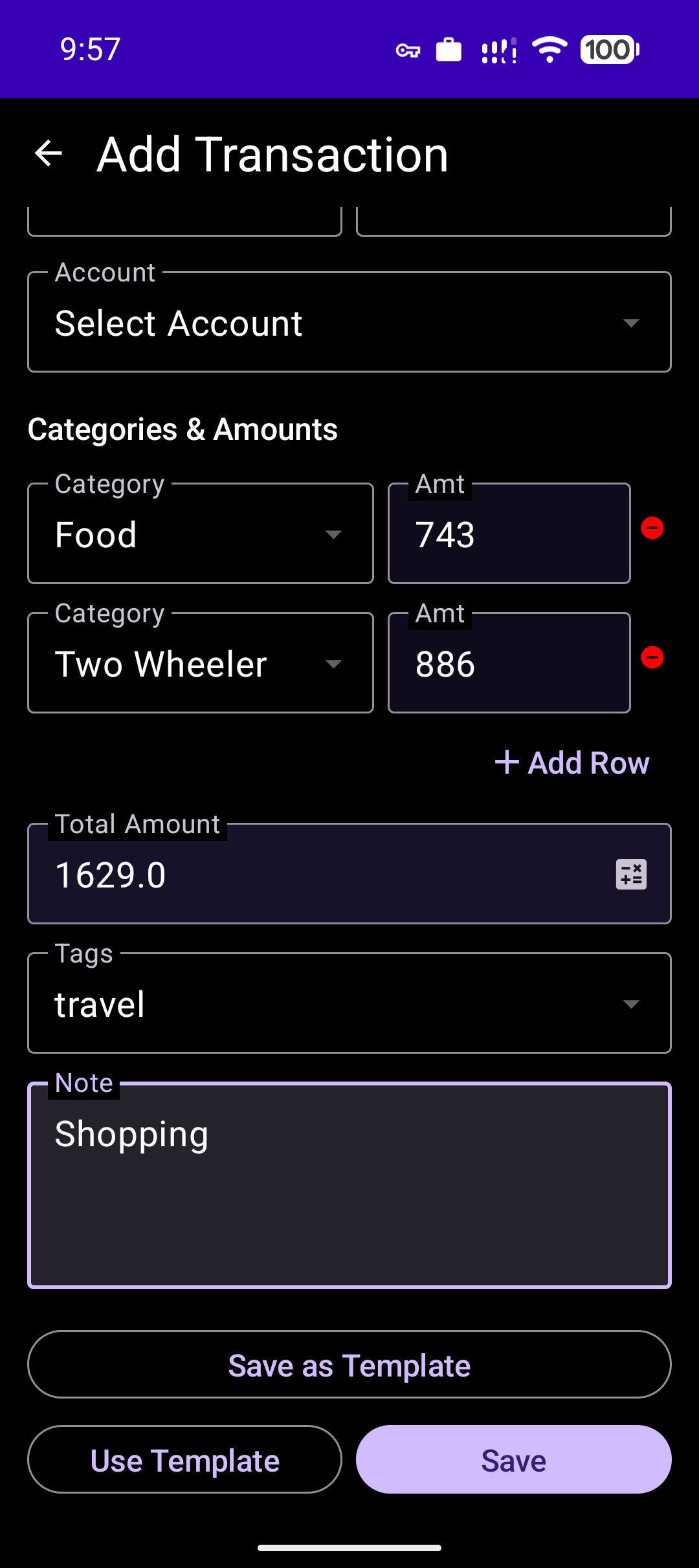
- Multi Category: In same Add transaction screen, pick more than one expense/ income categories to save your time by avoiding creation of multiple entries for the same shopping transaction.
- Multi Account: Assume you bought a phone with 50% by paying cash and 50% by making online payment, app lets to record this entry using one single add transaction interface. You can record a transaction involving multiple accounts in just one entry.
- Biometric Security: Secure your financial data with Fingerprint, Face ID, or System PIN.
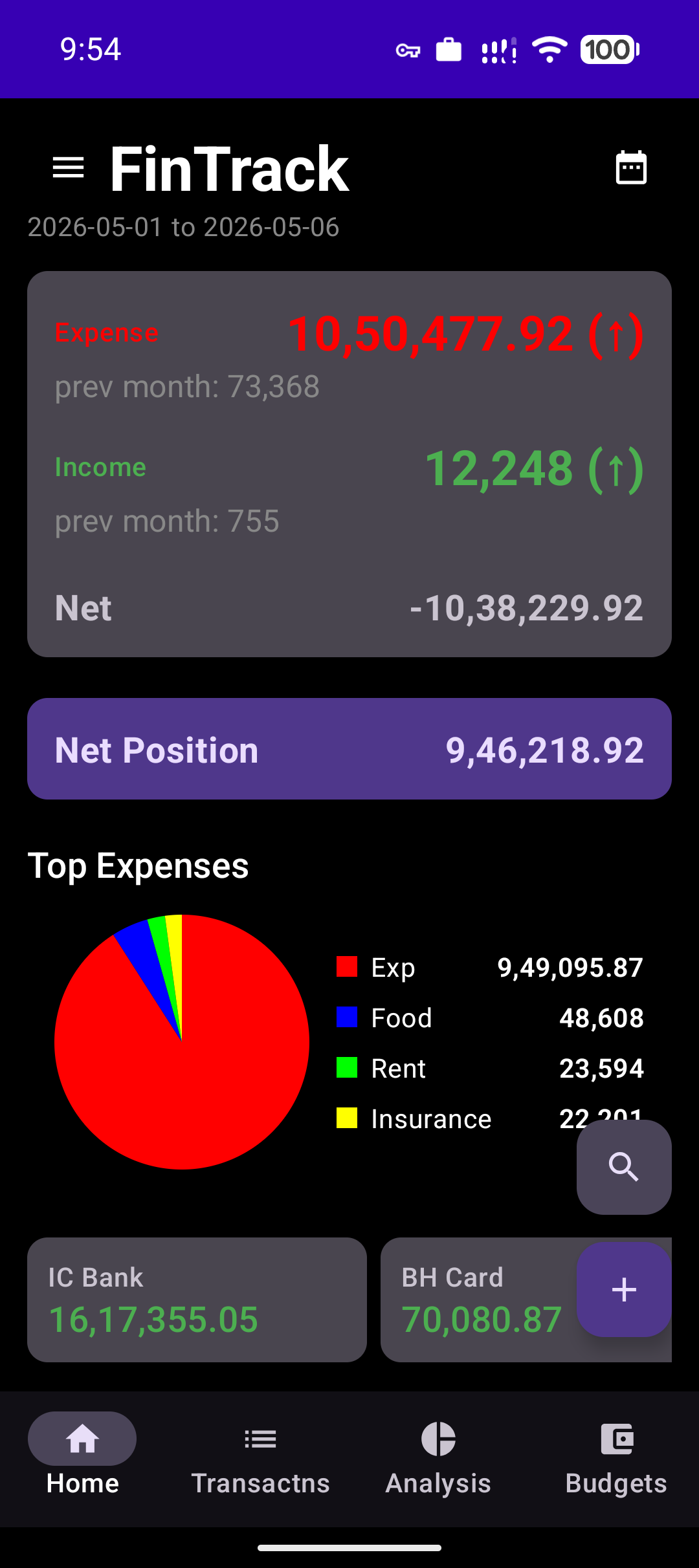
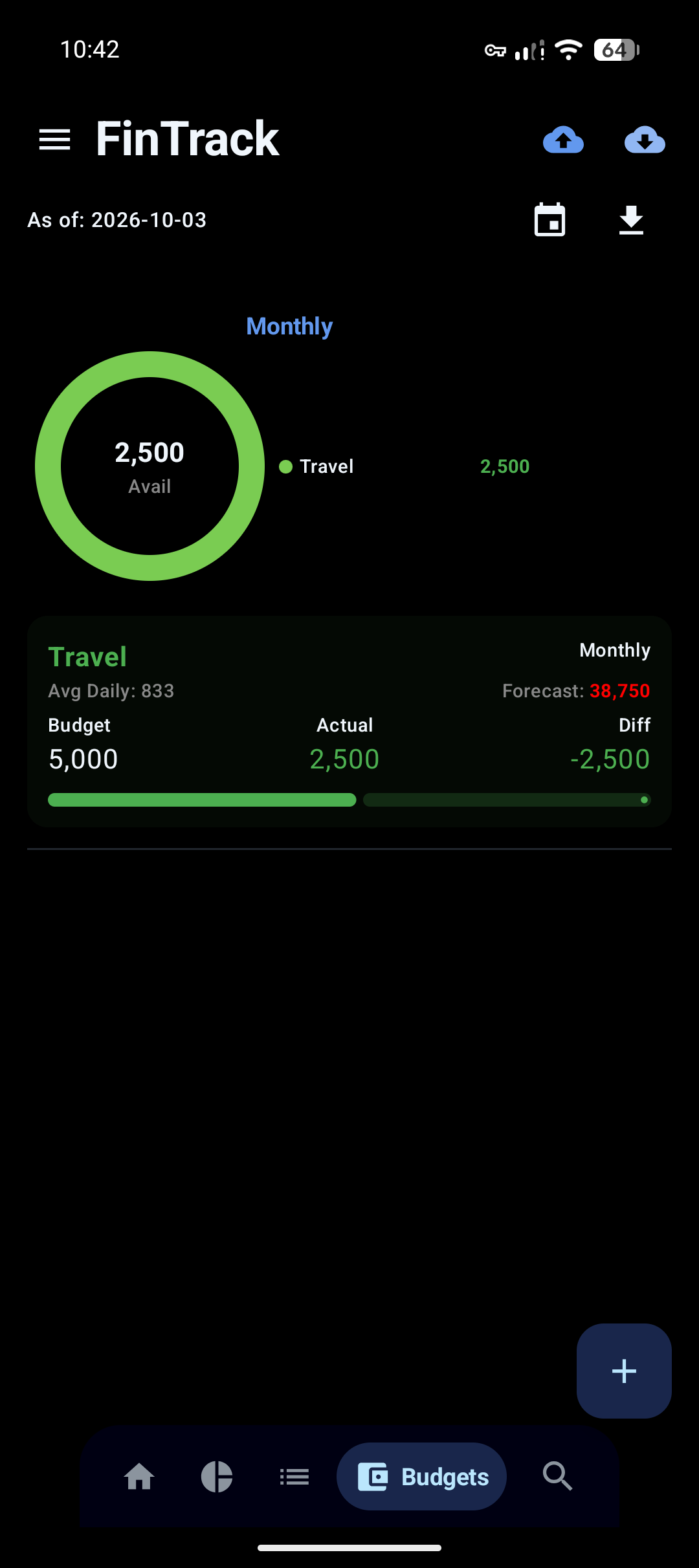
- Budgeting System: Set targets for any category (Daily, Weekly, Monthly, Yearly) and track your progress in real-time.
- Advanced Tags: Organize transactions with multi-select tags for deep analytical insights.
- Integrated Calculator: Perform quick calculations directly within the amount field.
- Global Search: Search through all transaction notes, accounts, categories, and tags instantly.
- Dual Number Systems: Toggle between Lakhs/Crores (Indian) and Millions/Billions (International) formatting.
- Database Management:
- Full manual and scheduled backups.
- Export transactions to CSV/Excel.
- Seamlessly import existing database files.



To verify the downloaded APK use this SHA256 fingerprint of the signing certificate - 68:EB:C8:89:43:C4:A7:35:29:E7:D0:1E:C8:02:F9:FF:3A:96:5B:05:3C:8A:40:70:23:7B:6D:A7:A4:ED:F5:90
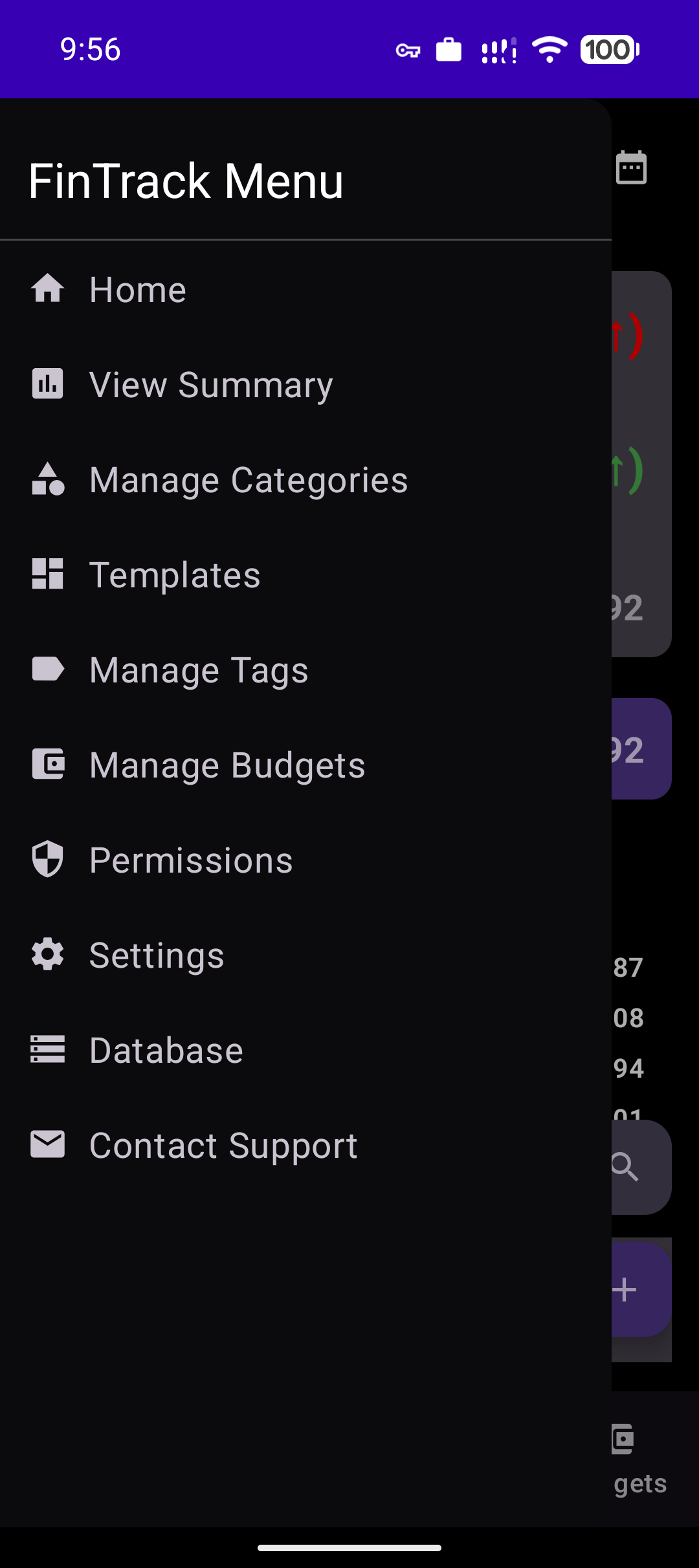
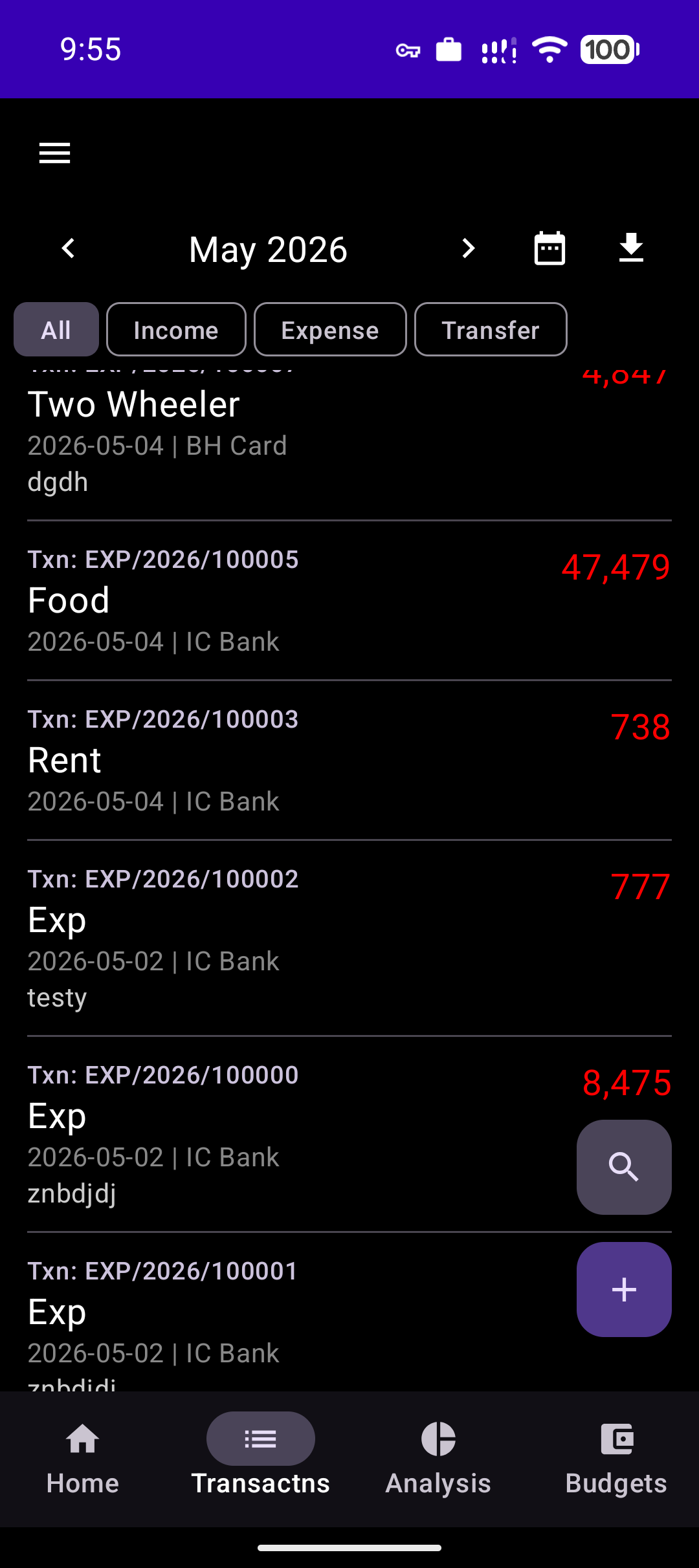
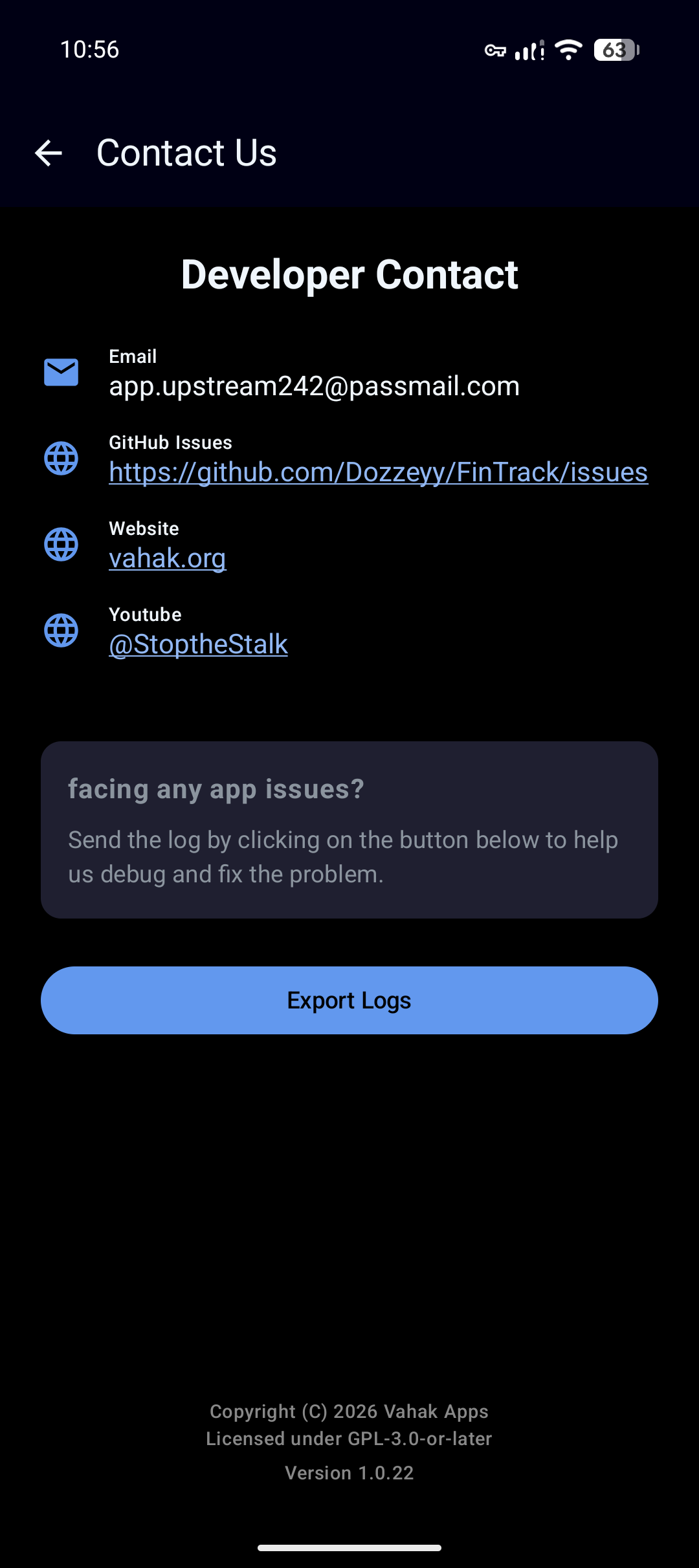
Check App screenshots here
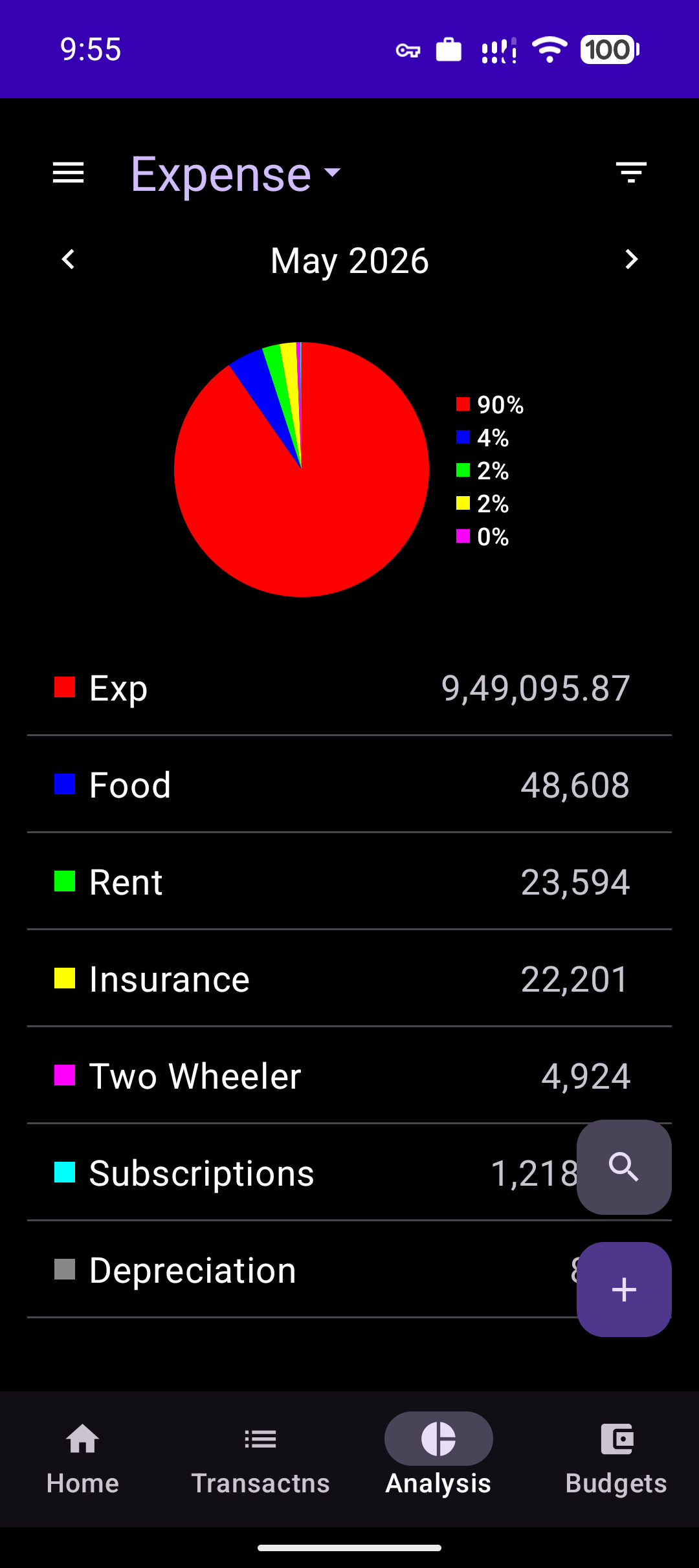
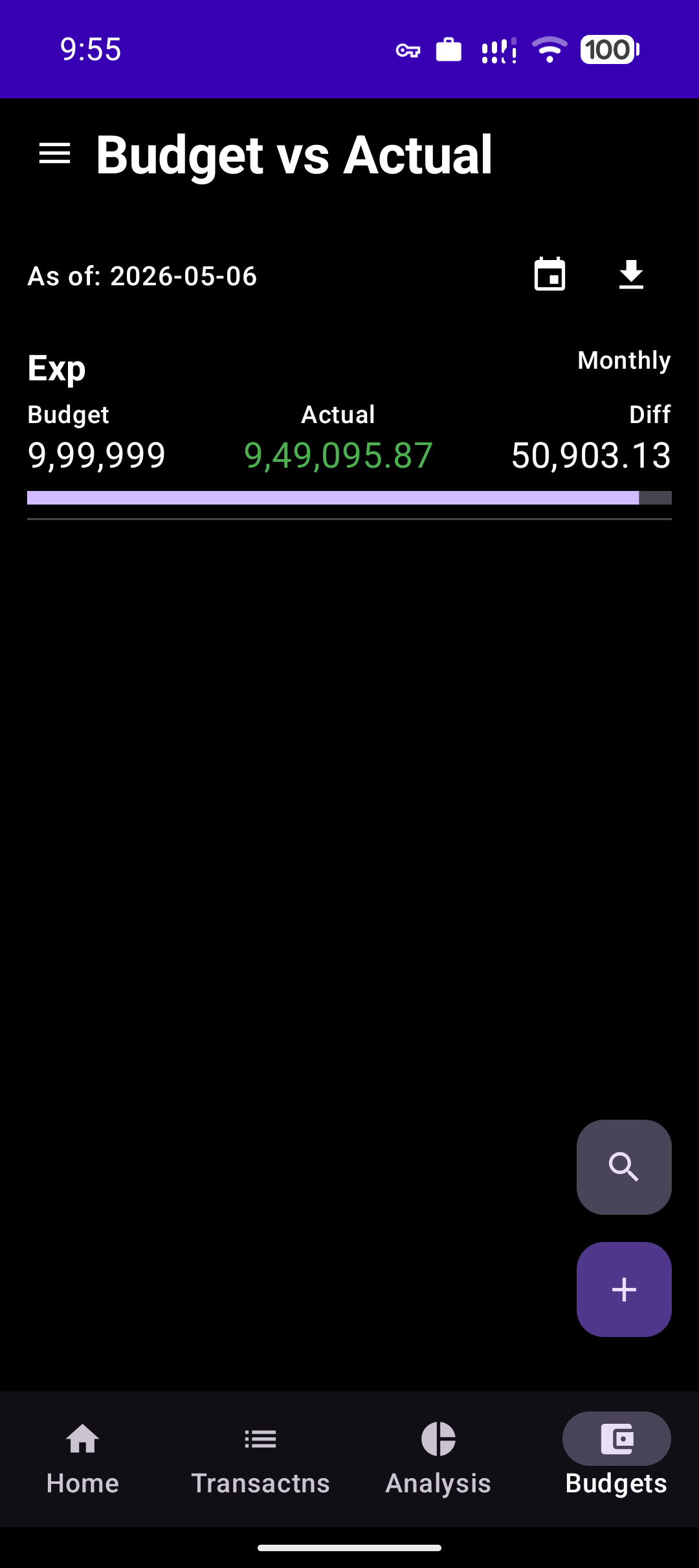
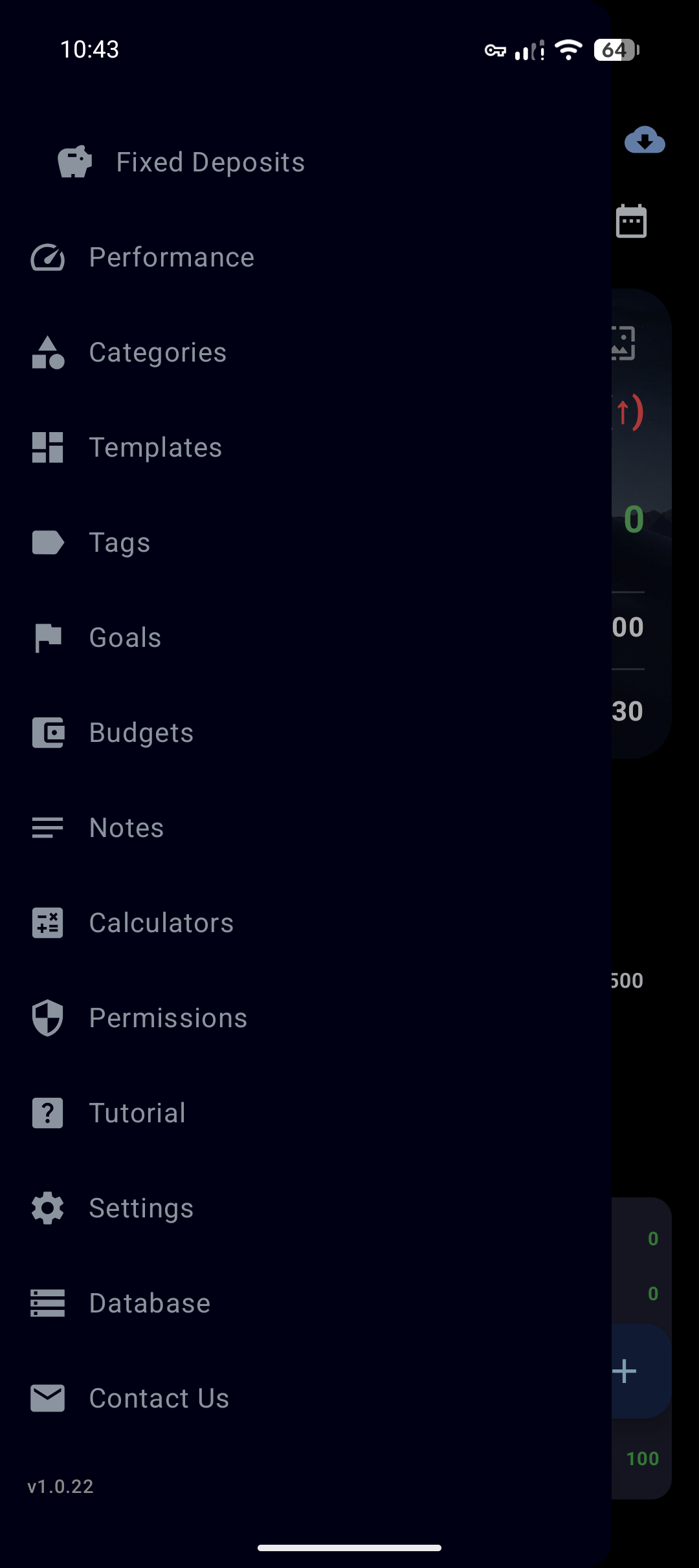
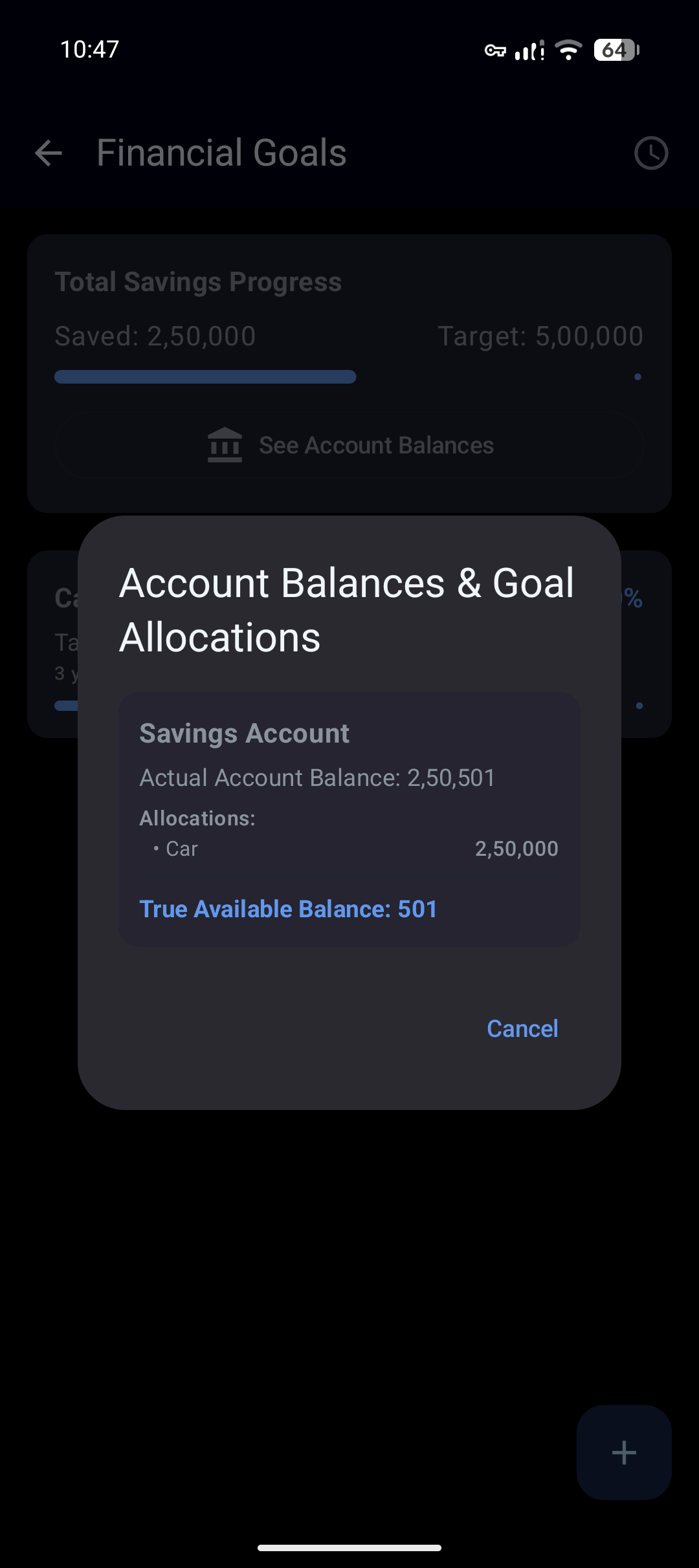
- Language: Kotlin
- UI Framework: Jetpack Compose
- Database: Room (SQLite with TRUNCATE journal mode for data integrity)
- Background Tasks: WorkManager (for scheduled backups)
- Security: Android Biometric API
app/src/main/kotlin/com/openapps/fintrack/data: Data entities, DAO, and database configuration.app/src/main/kotlin/com/openapps/fintrack/ui: Composable screens and ViewModel logic.app/src/main/kotlin/com/openapps/fintrack/ui/theme: App-wide theme configuration (Light, Dark, OLED Dark).
This project is open-source. You are free to contribute. For inquiries, contact: app.upstream242@passmail.com
Built with ❤️ to help you take control of your financial journey.