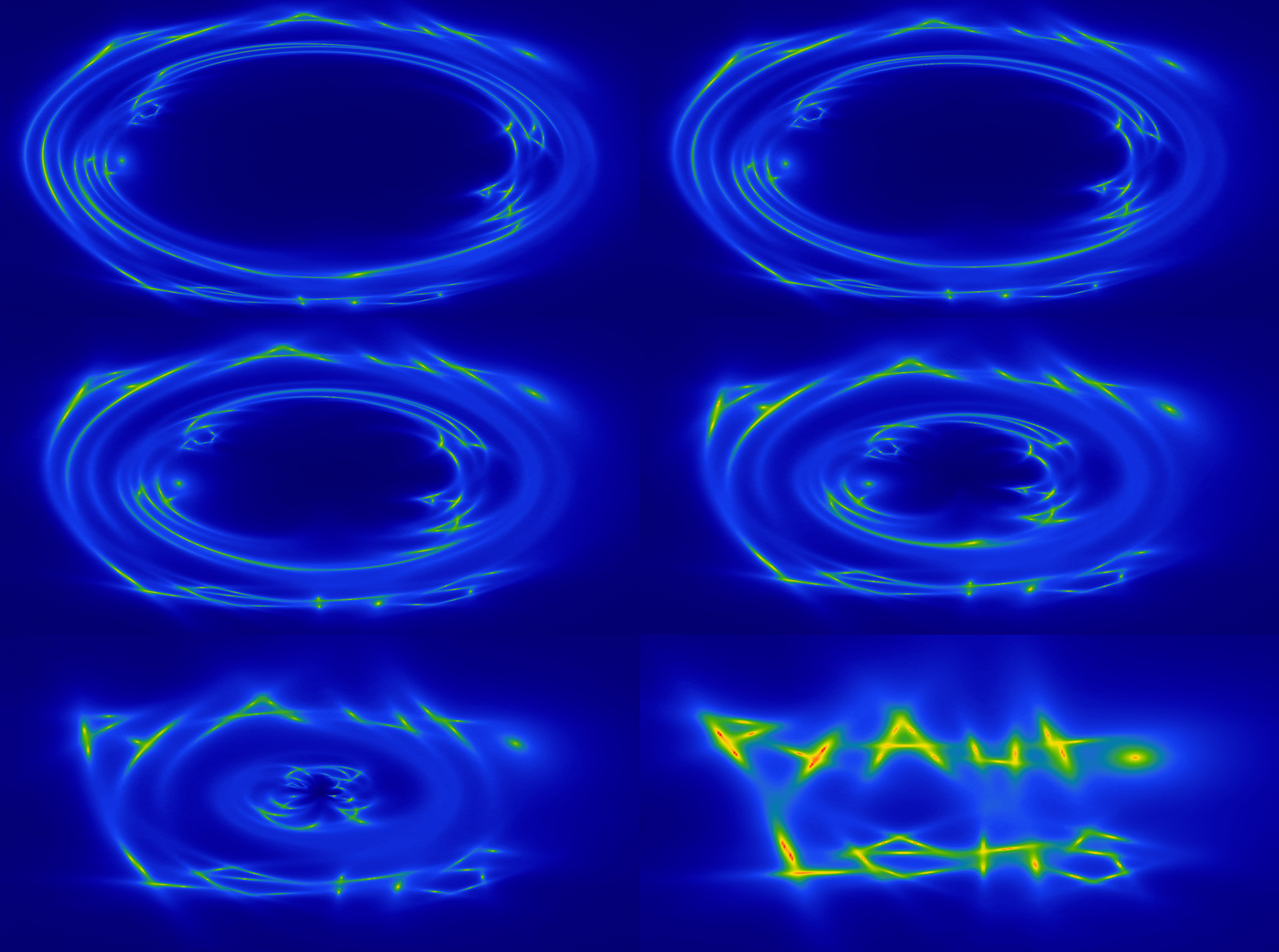
PyAutoLens models strong gravitational lenses to measure the distribution of matter and reconstruct distant galaxies. Its JAX numerical backend provides automatic differentiation and GPU acceleration, while the PyAutoLens Assistant helps you develop and run analyses through conversation.
- Start Here — discover PyAutoLens and work through your first example.
- Try it in your browser — run the introductory notebook without installing anything.
- Install PyAutoLens — get set up on your computer.
Visit the workspace to find examples for your data and science goals.
The PyAutoLens AI Assistant helps you learn lensing, run examples and analyse your own data through conversation. To get started, paste this prompt into your AI coding agent:
I want to do strong lensing science with PyAutoLens
(https://github.com/PyAutoLabs/PyAutoLens) and the
autolens_assistant (https://github.com/PyAutoLabs/autolens_assistant).

First clone the assistant repository, cd into it and follow its AGENTS.md.
Begin the "start here" guide for a new user.
See AI Options for tools and setup guidance.
HowToLens teaches gravitational lensing and Bayesian inference through worked notebooks, starting from undergraduate level.
The PyAutoLens documentation covers the software’s features and how to use them in your own analysis.
Ask questions, suggest improvements and share your work in PyAutoLabs Discussions, or chat with us on Slack.
To contribute or explore community projects, visit the PyAutoLens community page.
Find the PyPI package, check test runs and release builds, or access the archived software release.
If you use PyAutoLens in your research, see the citation guide.
See the license.